



Bookbinding – Dark Cozy Sim Review: Crafting, Tarot and Thorny Choices
I spent dozens of hours decorating covers, coaxing secrets out of townsfolk and testing a few frustrating bugs. Bookbinding mixes a cozy crafting loop with a surprisingly dark narrative—lovely, flawed, and worth a look if you like narrative sims.
Bookbinding – Dark Cozy Sim hooked me by promising a slow, tactile rhythm: take commissions, decorate covers and watch those choices ripple through people’s lives. It sits somewhere between a meditative crafting sim and a narrative visual novel with romance and moral hiccups. I was drawn in by the art and the color wheel, but quickly found myself juggling feelings—both delight at good art tools and irritation at recurring UI bugs. If you like tactile indie sims with a dash of darkness, this one will keep you thinking after the shop’s lights go out.
Sewing Together a Day at the Shop
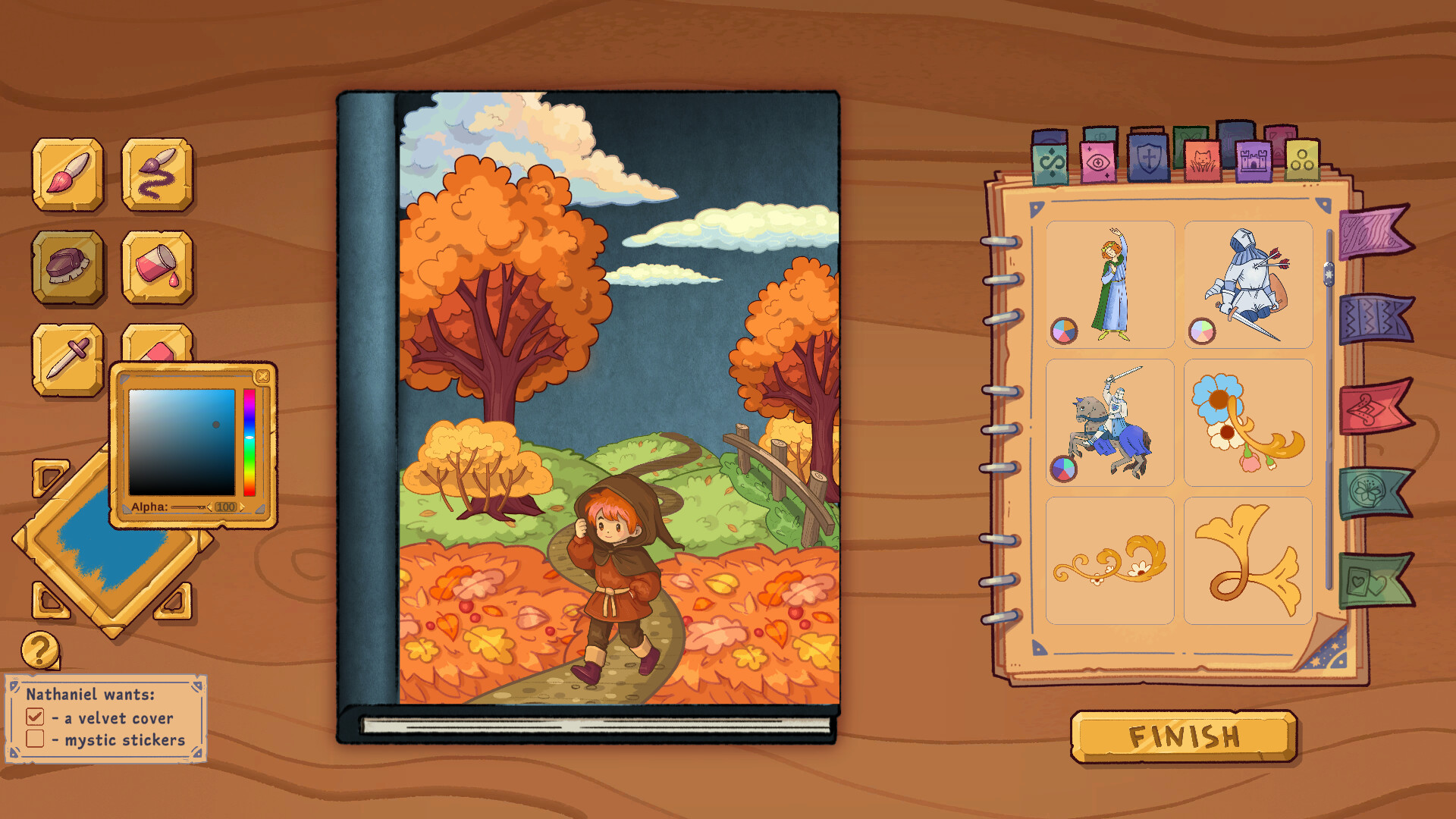
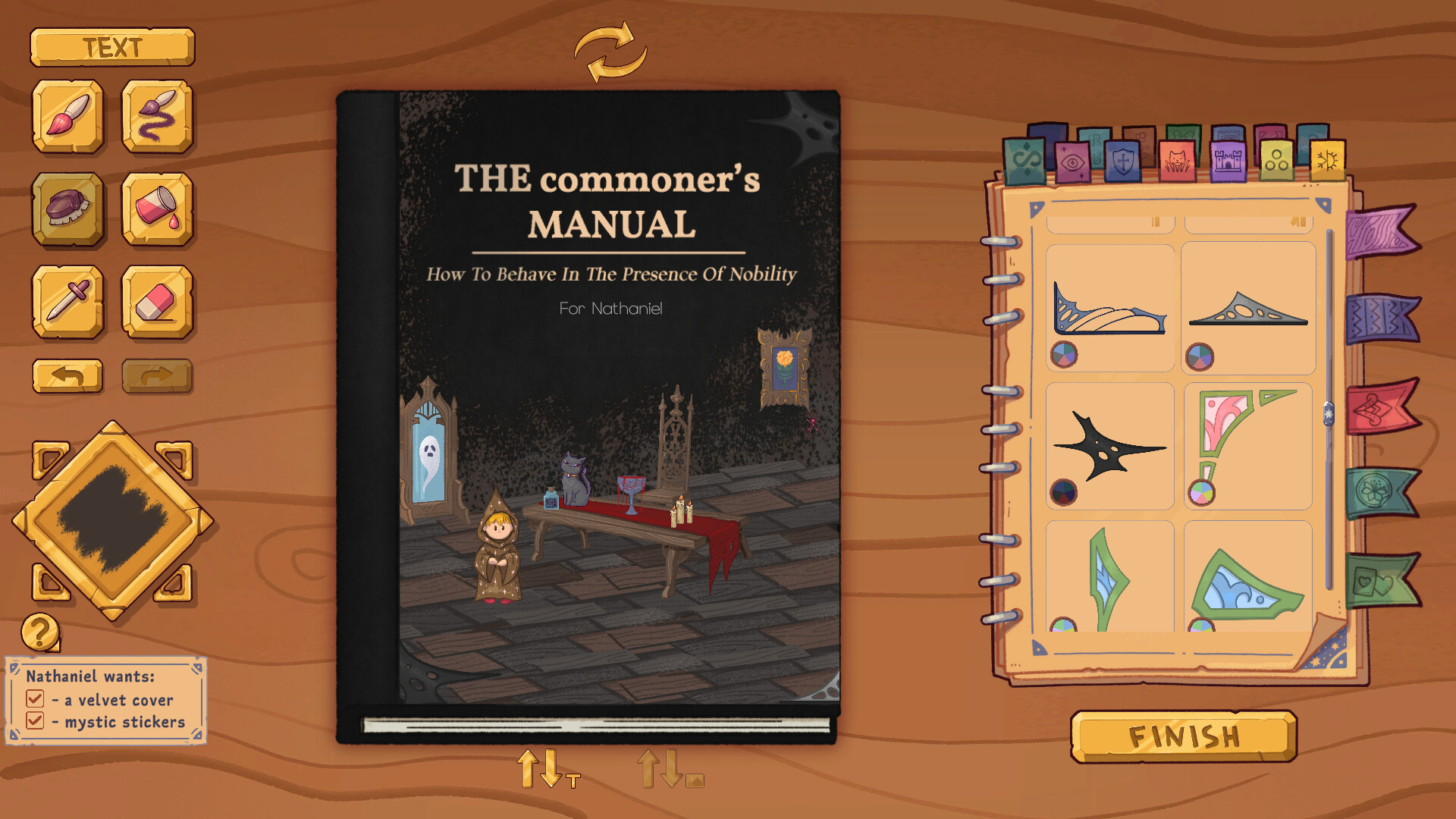
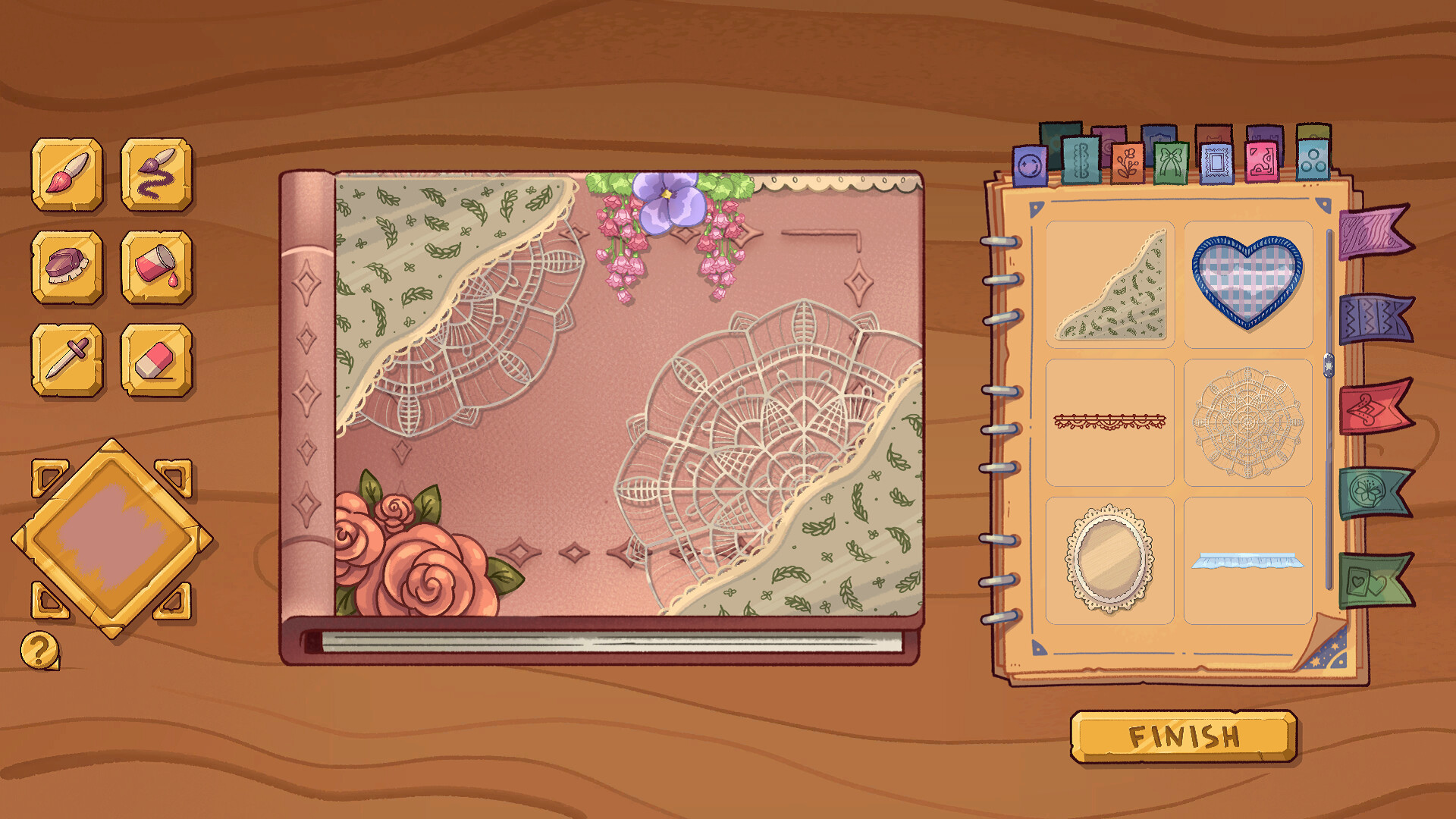
The core loop of Bookbinding is simple and satisfying: accept a customer’s commission, choose materials and textures, arrange elements on a cover and hand the finished book back. Practically every job follows the flow: read the client’s notes, pick a cover style (cloth, leather, textured), use the brush and stickers to compose a design, save swatches with the color wheel, and finally check off the client requirements. Decisions matter beyond aesthetics: certain tarot-related choices and dialogue options influence how customers react and which narrative branches open. I frequently found myself pausing to imagine an NPC’s taste—did the aristocrat want embossed leather or delicate ribbon?—and then adjusting layers to match. The tactile painting—pressureless brush, color picker and saved swatches—makes decorating genuinely relaxing when it works.
Tiny Tools, Big Personality
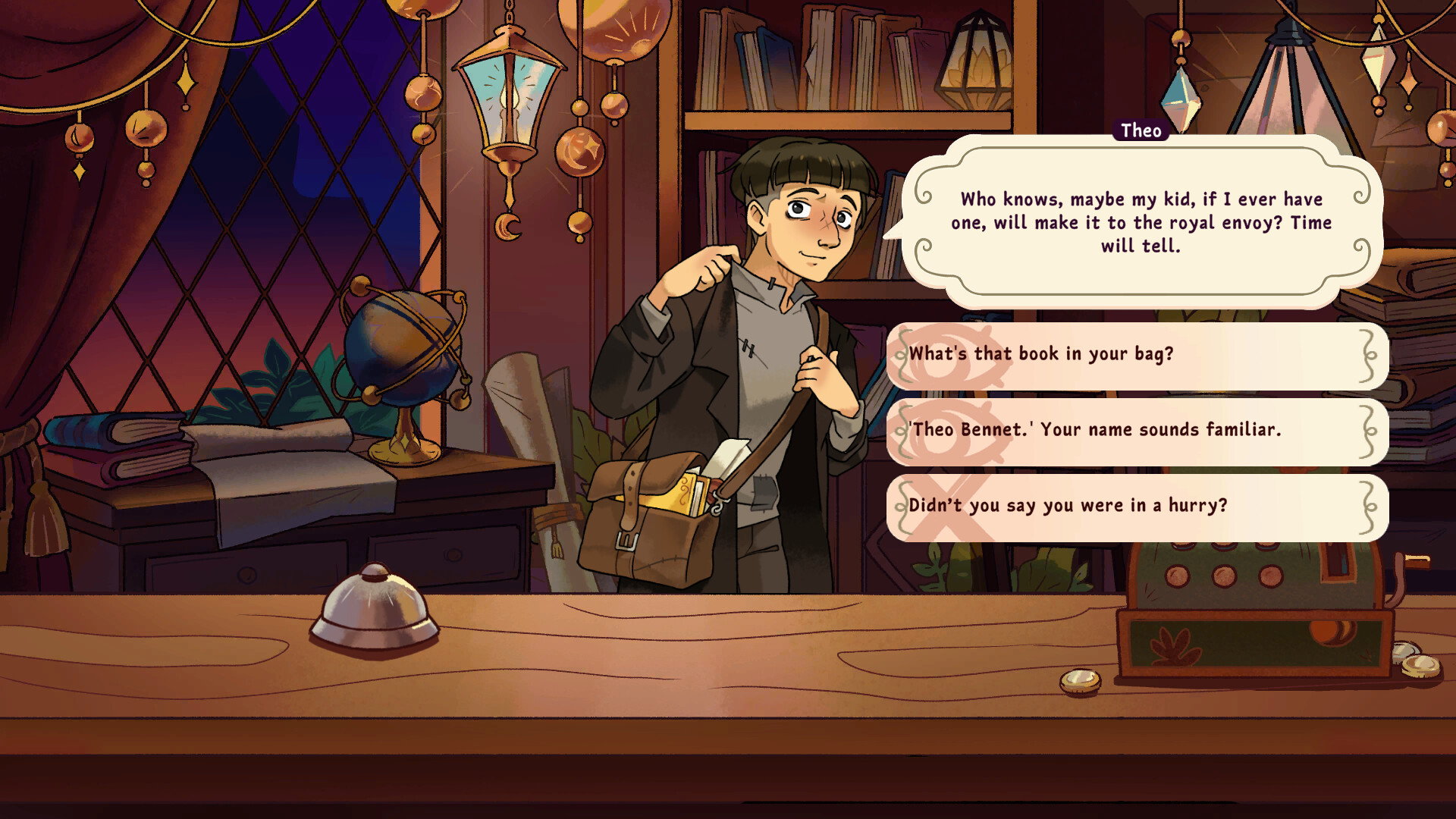
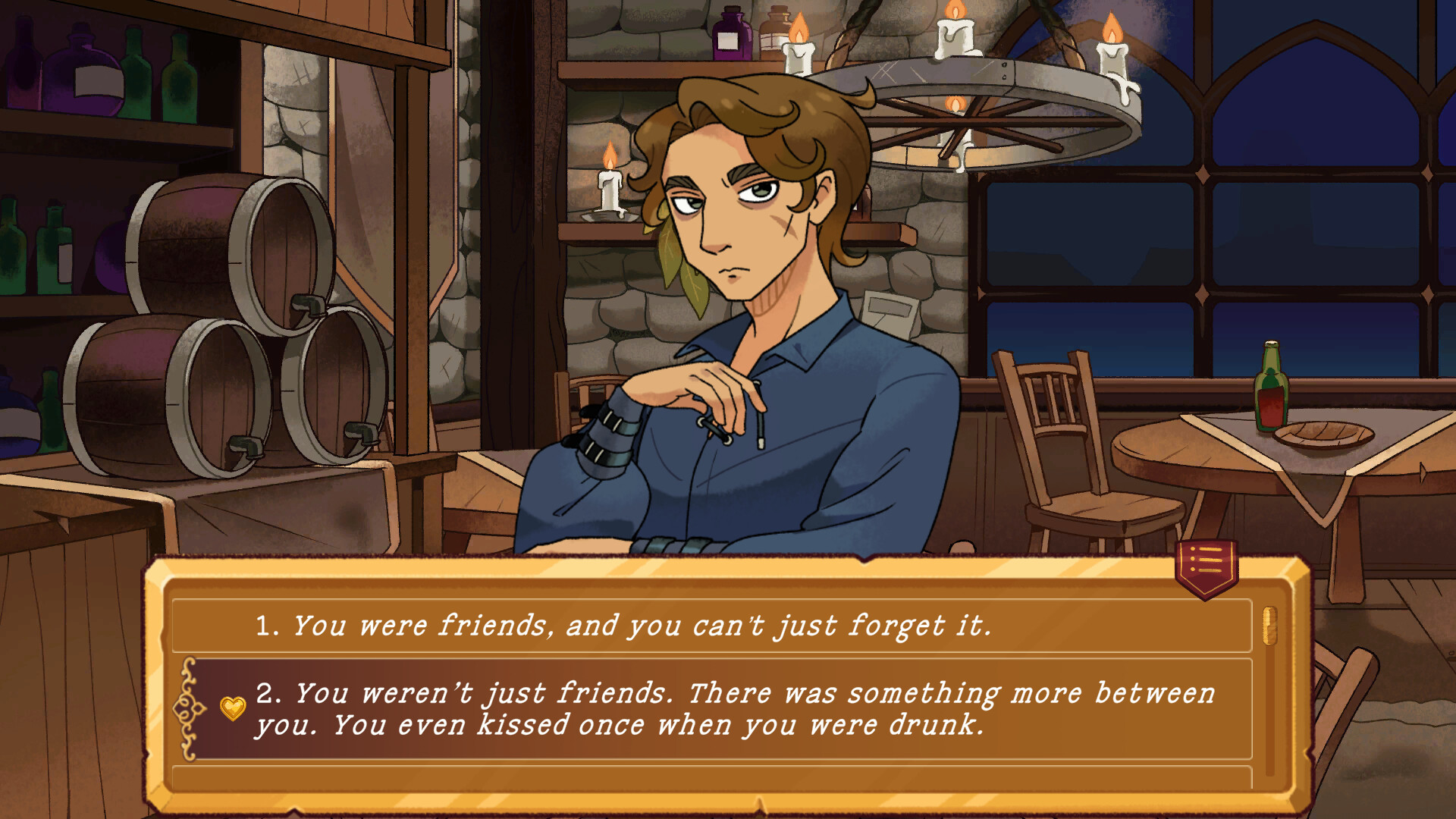
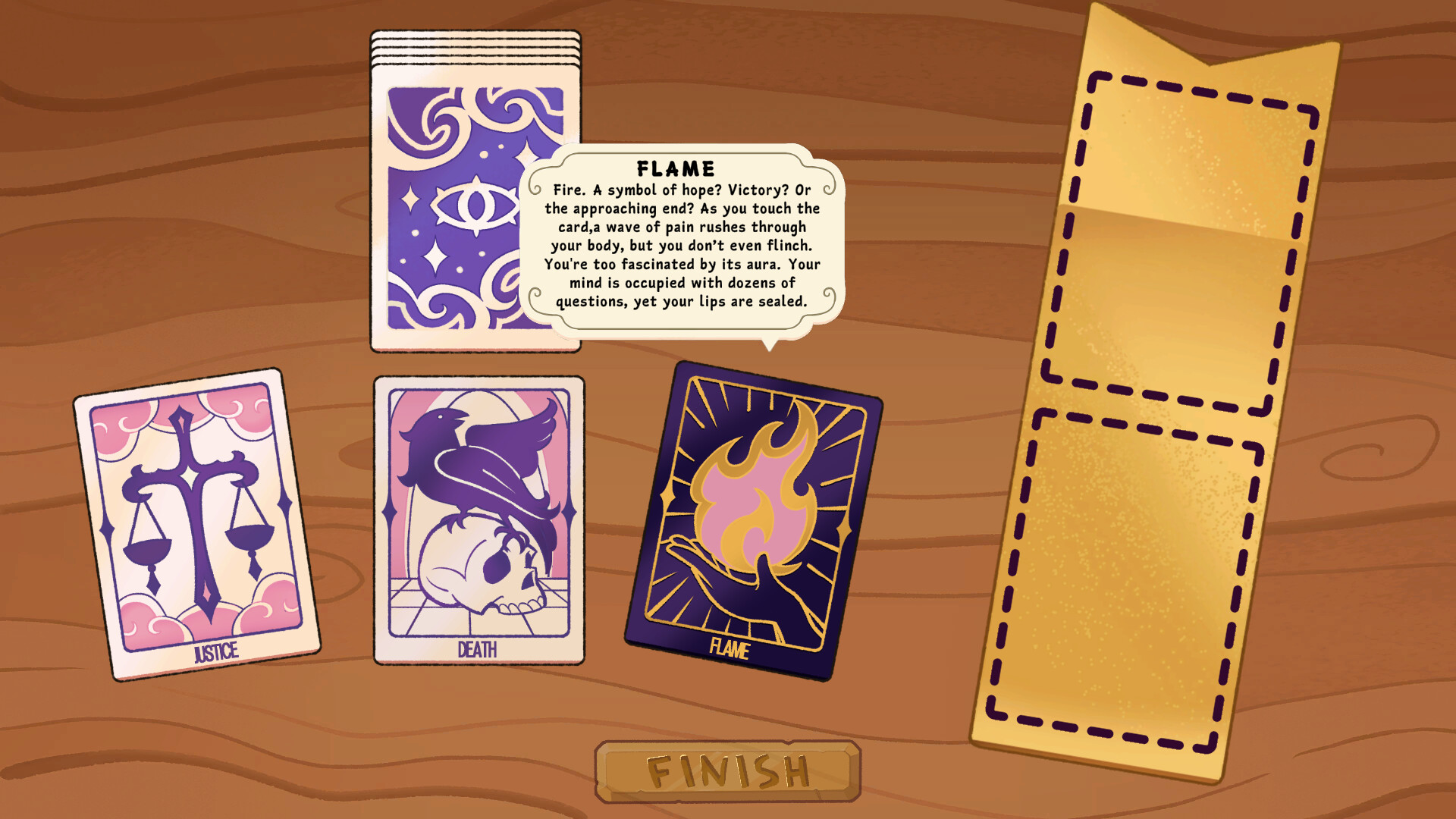
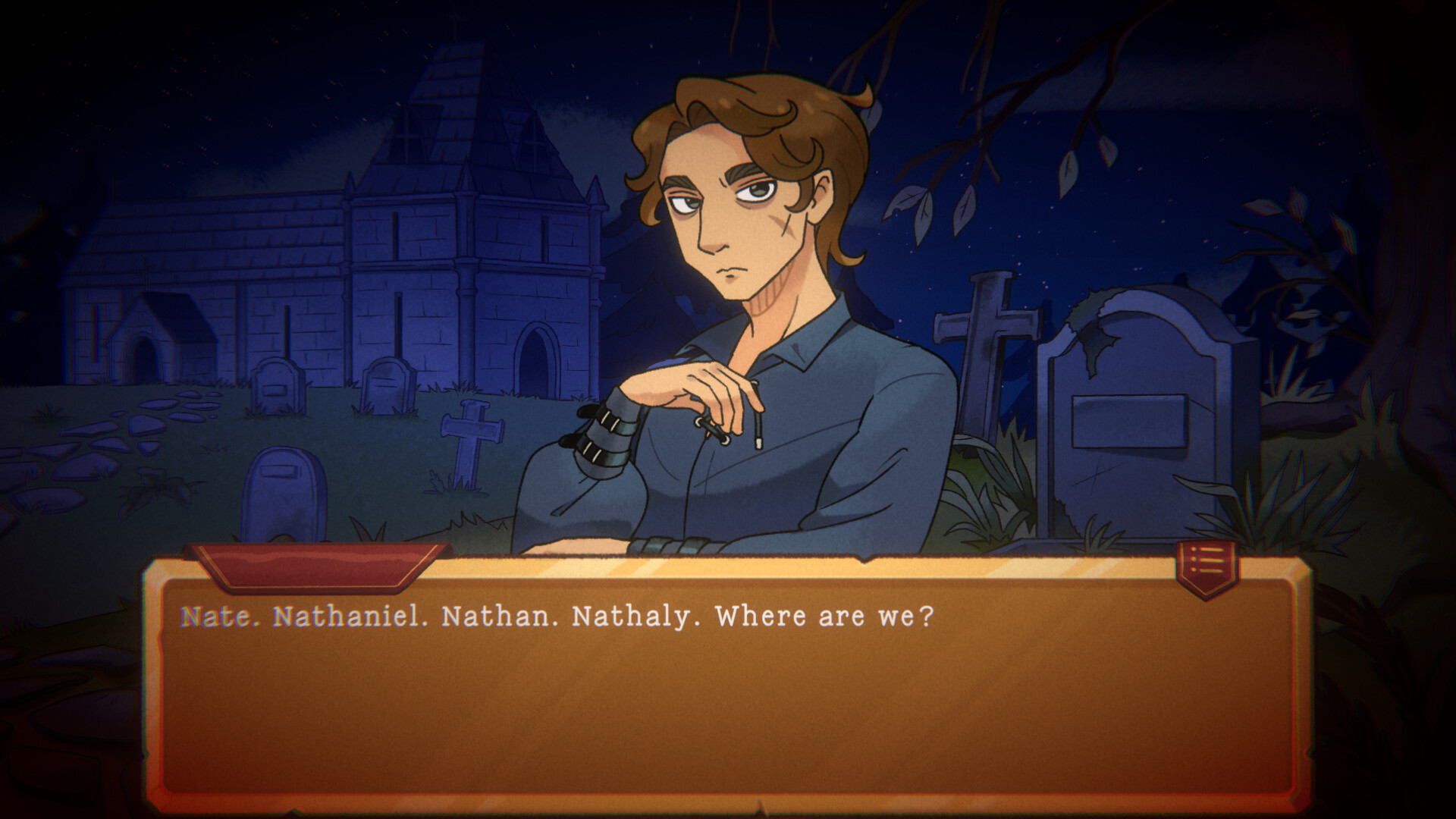
What lifts Bookbinding is how its small tools connect to character moments. The color wheel plus swatches is a joy: I saved a smoky teal and used it repeatedly to match Nate’s melancholy outfit, and the NPC commented on the vibe. Romance options and reputation are woven into the requests: a flirty ribbon or a sombre cover can nudge a relationship track in a conversation later that day. There are also Dark Cards and tarot beats that pop up: choosing to craft or withhold a card produces tangible narrative fallout. Customization feels expressive—textures, stencils and 3D objects (buttons, chains, ribbons) allow creativity—but the implementation is uneven in places.
When the Tools Misbehave: Performance & Presentation
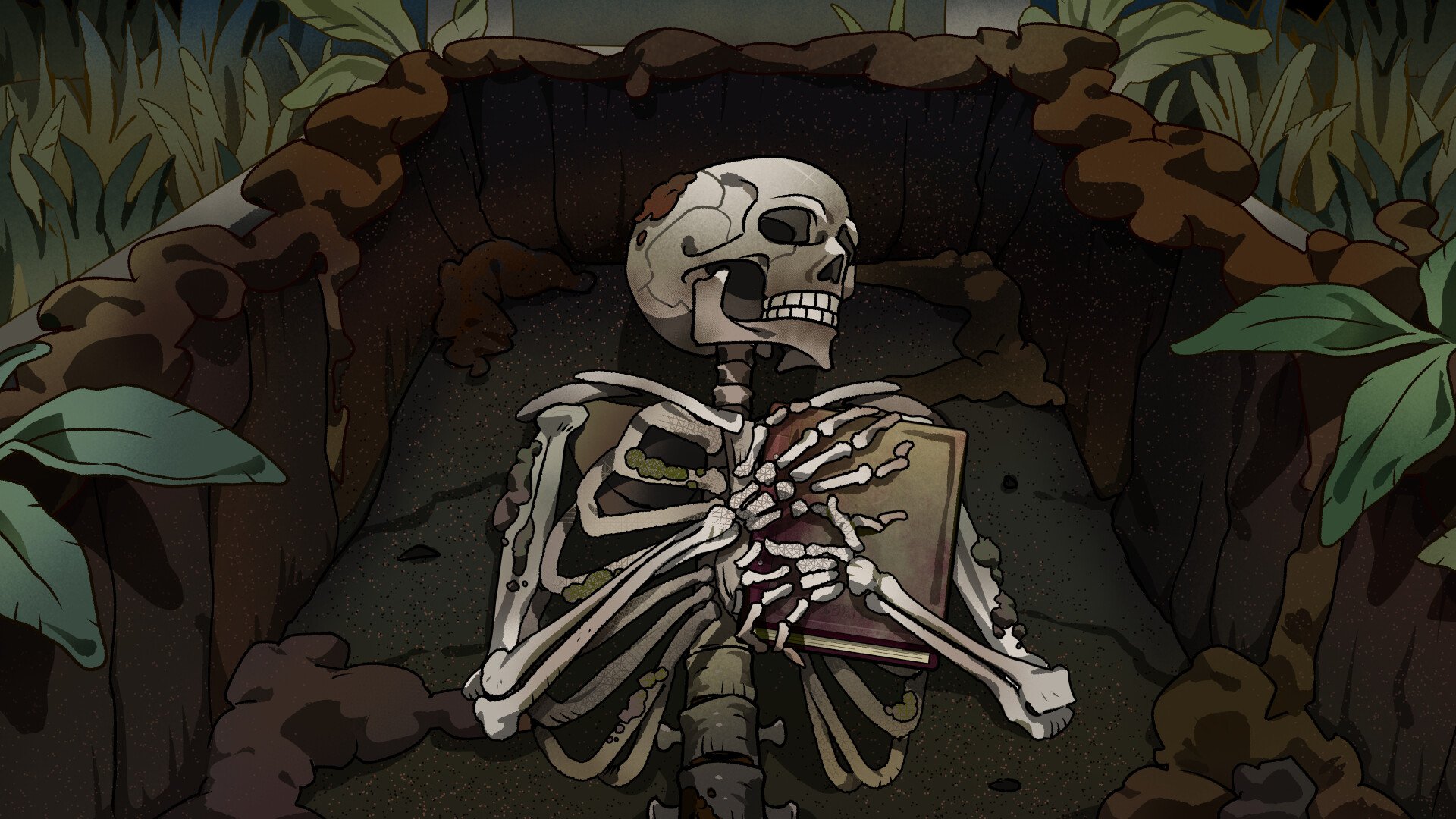
Graphically the game is lovely: hand-drawn assets, atmospheric shop interiors and a warm palette that sells the ‘dark cozy’ vibe. However, technical polish lags behind the art. I repeatedly hit annoyances that I could reproduce: layer order sometimes resets after reloading (observed 3 times in ~8 hours of play), stencils that couldn’t be deleted after placement, and stickers that refuse to accept paint on top unless you change an obscure setting. The eraser size is not exposed in the obvious toolbar (you must open brush texture settings), and brush opacity is missing entirely which makes gradients awkward. Some 3D props clip or stop wrapping around corners, and a few save-related quirks exist—one player report (and my own test) showed a second save overwriting another when creating a new protagonist. These problems don’t ruin the experience, but they puncture the otherwise calming loop more often than they should.
Bookbinding – Dark Cozy Sim is a lovingly made, oddly melancholic crafting sim with real heart and some rough edges. Its art, color tools and characters are the main draw, while UI quirks and a few narrative gaps hold it back from greatness. I recommend it to players who enjoy cozy creative loops and branching, tarot-flavored stories — but be ready for a handful of bugs and a possibly abrupt ending until patches land.

Pros
- Rich, tactile customization (color wheel, saved swatches, textures)
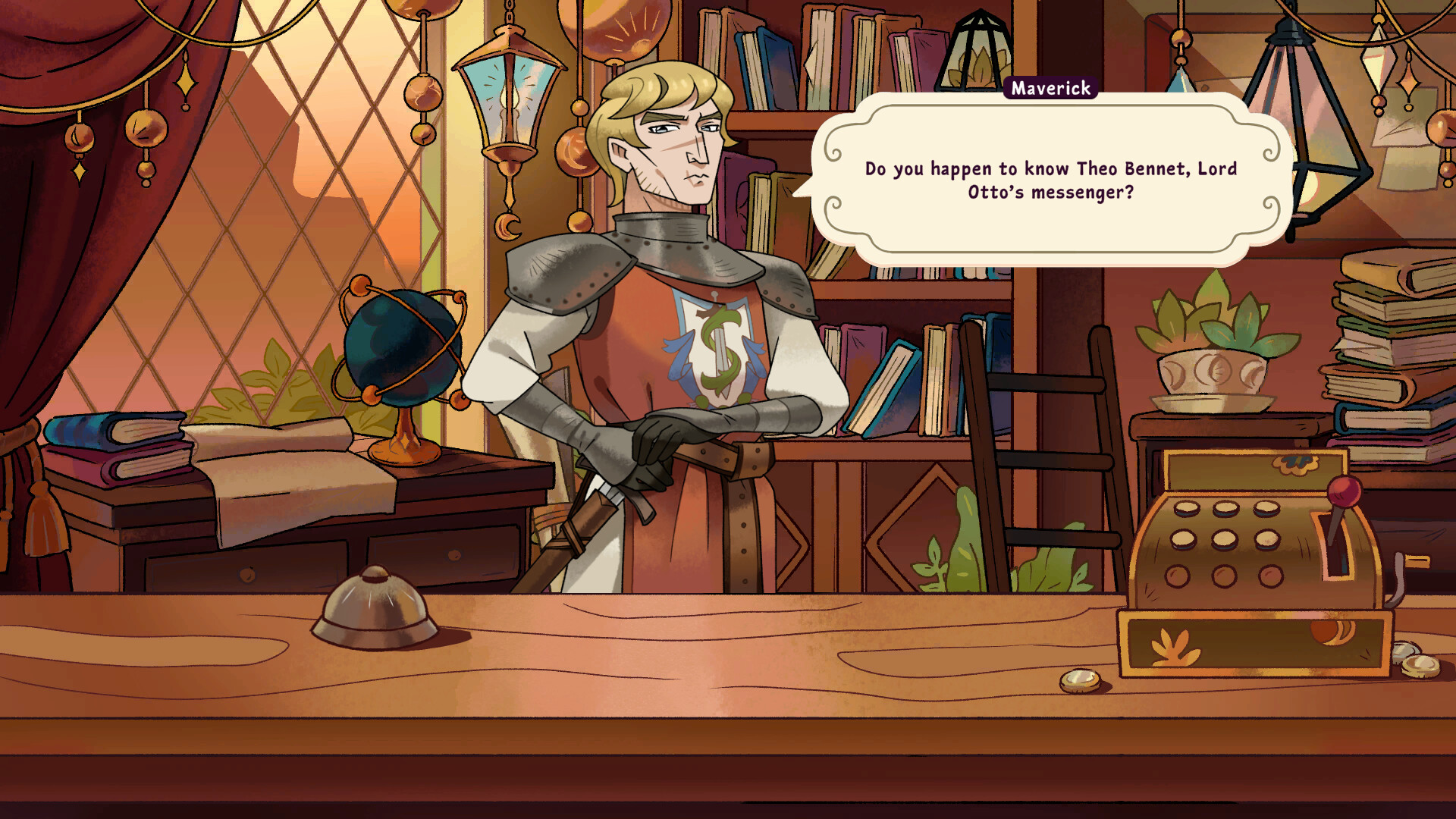
- Compelling characters and surprisingly weighty choices (tarot, romance)
- Beautiful hand-drawn art and cozy shop atmosphere
- Meditative decorating loop when tools behave
Cons
- Several UI/technical quirks (layer resets, stencil deletion issues)
- Missing brush opacity and awkward eraser sizing workflow
- Story can feel abrupt and some narrative threads are left dangling
Player Opinion
Players praise Bookbinding for its atmosphere, art and character writing: many reviews rave about the tactile joy of mixing textures and the emotional hooks in NPCs like Nate and Agate. Recurrent praise goes to the color wheel and the freedom to save swatches — people genuinely enjoy matching covers to character tastes. On the flip side, a recurring theme in the community is frustration with UI and bugs: reports include layer order resetting after reloads, inability to resize the eraser intuitively, text tool quirks during client checklists, and occasional black-screen crashes. Several users also mention the ending feeling abrupt or like a first act, asking for more payoff and content. If you enjoy cozy, narrative sims and can tolerate some polish issues (or wait for patches), players say it’s worth diving into; if you’re easily derailed by bugs, many recommend holding off until fixes arrive.