BOXROOM Review – A Cozy Shrine for Your Steam Library
A charming room-builder that turns your Steam library into a tactile display. Brilliant idea and soothing fiddliness, but early access quirks — art import woes and bugs — keep it from being flawless.
I still get a small, guilty thrill running my fingers along game boxes — the spines, the plastic smell, the old manuals. BOXROOM promises to bottle that nostalgia by turning your Steam library into a customizable gamer room you can stroll around. It’s less a game in the traditional sense and more a decorator-sim shrine for collectors and sentimentalists. The concept is irresistible: curate shelves, place posters and figurines, boot your actual games from within the space — if the tech cooperates.

Shelving, Sorting and Small Joys
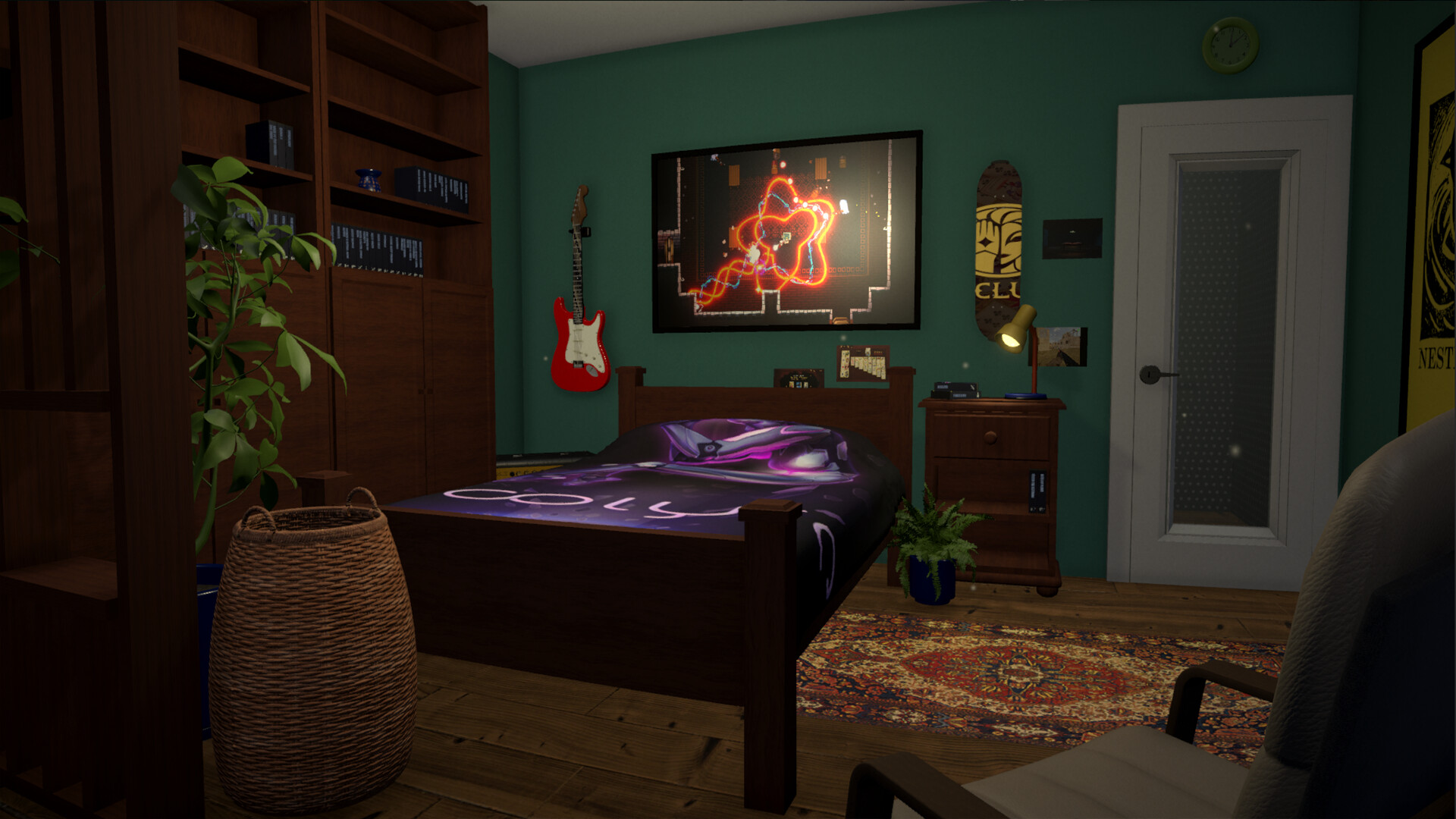
The core loop of BOXROOM is wonderfully simple: you build a room, pick furniture from the BoxCo catalogue, and then populate shelves with representations of the games in your Steam library. In practice that means dragging boxes onto shelves, picking posters for walls, slotting limited editions into display cases and sometimes just staring at the layout for a full honest minute because it’s oddly satisfying. You can pick up individual boxes, rotate them, slot screenshots or custom artwork inside, and launch the actual game from the box. There’s no high-pressure objective — it’s meditational fiddling, organizing by genre, developer or mood, and revisiting forgotten titles you hadn’t thought about in years.
Where the Idea Gets Playful
BOXROOM distinguishes itself through the degree of tangible control it gives you over your collection. Hidden collector’s figures and special upgrades tied to certain games give a delightful sense of discovery: place a specific title on a shelf and you might unlock a tiny statue or alternate inlay. Sharing rooms with friends is also baked in, which turns the experience into a social flex — you can stroll someone else’s sanctuary and compare shelf organization philosophies. Steam Workshop integration means community-made furnishings and textures can change a barebones room into something wildly personal. The developers have made a conscious choice to lean into the retro-kitsch vibe, but you can also import your own items to make things more modern if you’re fussy about style.
Looks, Sound and Those Early Access Wobblies
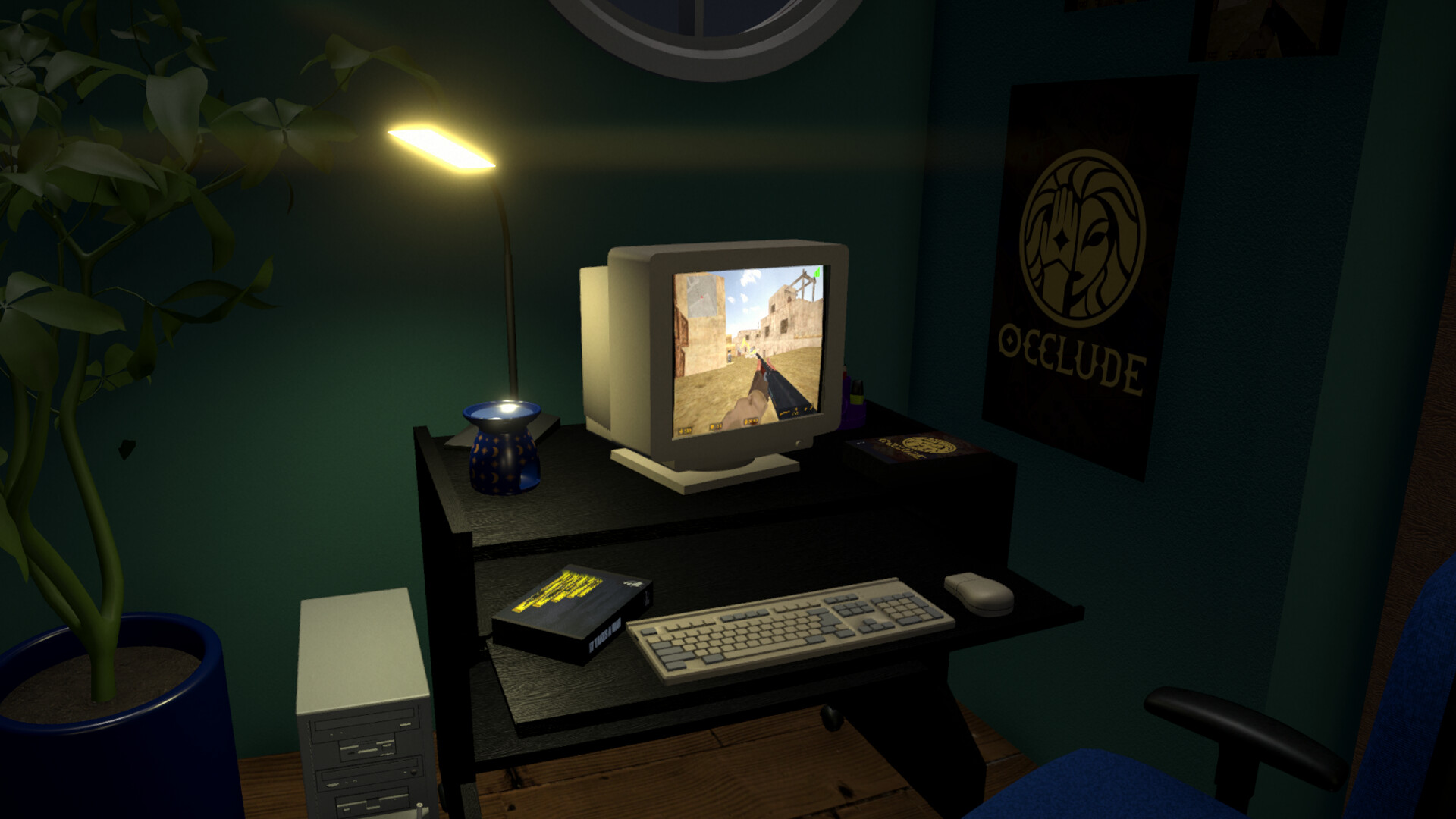
Graphically BOXROOM goes for a cozy, slightly retro cosy look rather than photorealism — wood textures, soft lamps and a slick UI. The soundtrack is unobtrusive and pleasant; it’s there to keep you calm while you fuss over placement. Performance is mixed: many players report runs that feel smooth, but others have seen odd GPU usage spikes and graphical glitches — large cursors, misplaced decorative icons or lighting quirks at night. Accessibility is solid in concept: simple interactions, clear catalog navigation and controller support hints, but build-mode UX can feel fiddly and catalog performance is sluggish for some. Because BOXROOM uses your Steam data, remember to set your profile to public to allow the library import. There’s also a community-made Box Wizard tool to mass-download art — very handy but Windows-only, which frustrates Linux/Deck users.

BOXROOM is one of those ideas that feels obvious in hindsight: a warm, tactile way to live with your game library. Right now it’s a lovely, cozy skeleton — wildly promising but still raw around the edges due to import limitations, platform gaps and early access bugs. Buy it if you want to support a small dev team and enjoy peaceful sorting sessions; hold off if you expect a polished, plug-and-play experience for huge libraries. Check the Discord for tips (and the Box Wizard if you’re on Windows).


Pros
- Brilliant, nostalgic core concept — satisfying to organize and display.
- Deep customization with Workshop support and shareable rooms.
- Calming, collector-friendly gameplay that resurfaces forgotten games.
- Frequent dev engagement and an active community on Discord.
Cons
- Doesn’t auto-pull box art/screenshots reliably — manual work or external tool needed.
- Early Access bugs: save glitches, occasional crashes and visual oddities.
- Some performance quirks and the Box Wizard is Windows-only, limiting non-Windows users.
Player Opinion
Players adore the premise — many say BOXROOM scratches an itch you didn’t know you had, turning a flat Steam list into a tangible, cozy space. Fans praise the relaxing organization loop, Workshop potential and how the game nudges them to replay or rediscover titles. The main complaints are consistent: automatic art import was changed or limited at launch, forcing tedious manual uploads for large libraries; a Windows-only Box Wizard exists but excludes Linux/Deck users; and there are early access bugs that sometimes corrupt saves or cause GPU crashes. Several reviewers highlight responsive devs and active fixes via Discord, and many recommend returning in a few months once UX and import issues are resolved. If you value the concept and don’t mind early access roughness, players suggest it’s worth dipping into for the cozy vibes alone.