Cleaning Up The Puzzle Gallery Review — Cozy Jigsaw Cleanup with Surprising Depth
Play as a janitor in a gallery of 87 masterpieces, piece together 2000+ scattered jigsaw pieces, level up quirky skills and curate your own collection. A cozy, surprisingly strategic puzzler with custom uploads and solid replay value.
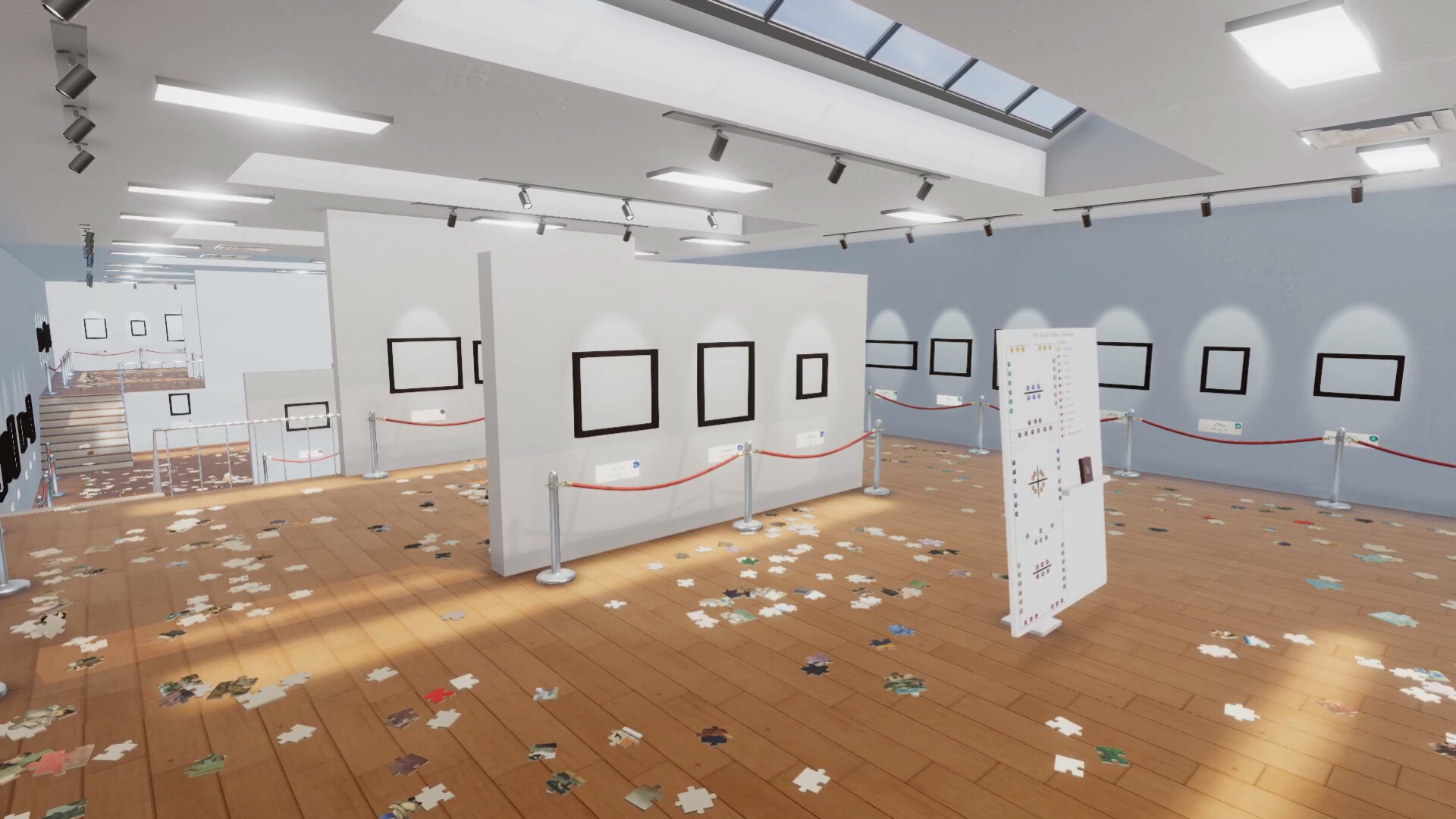
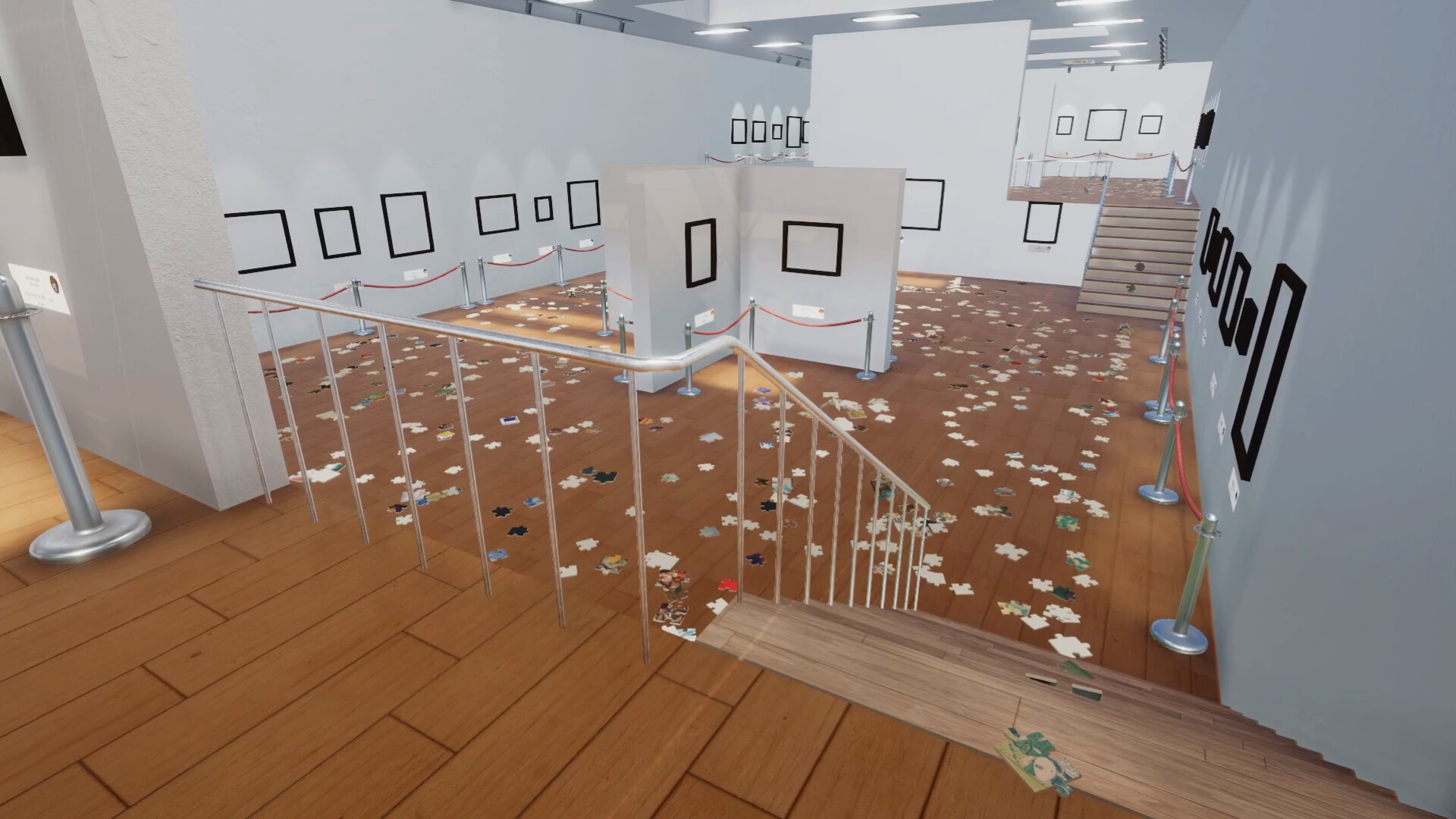
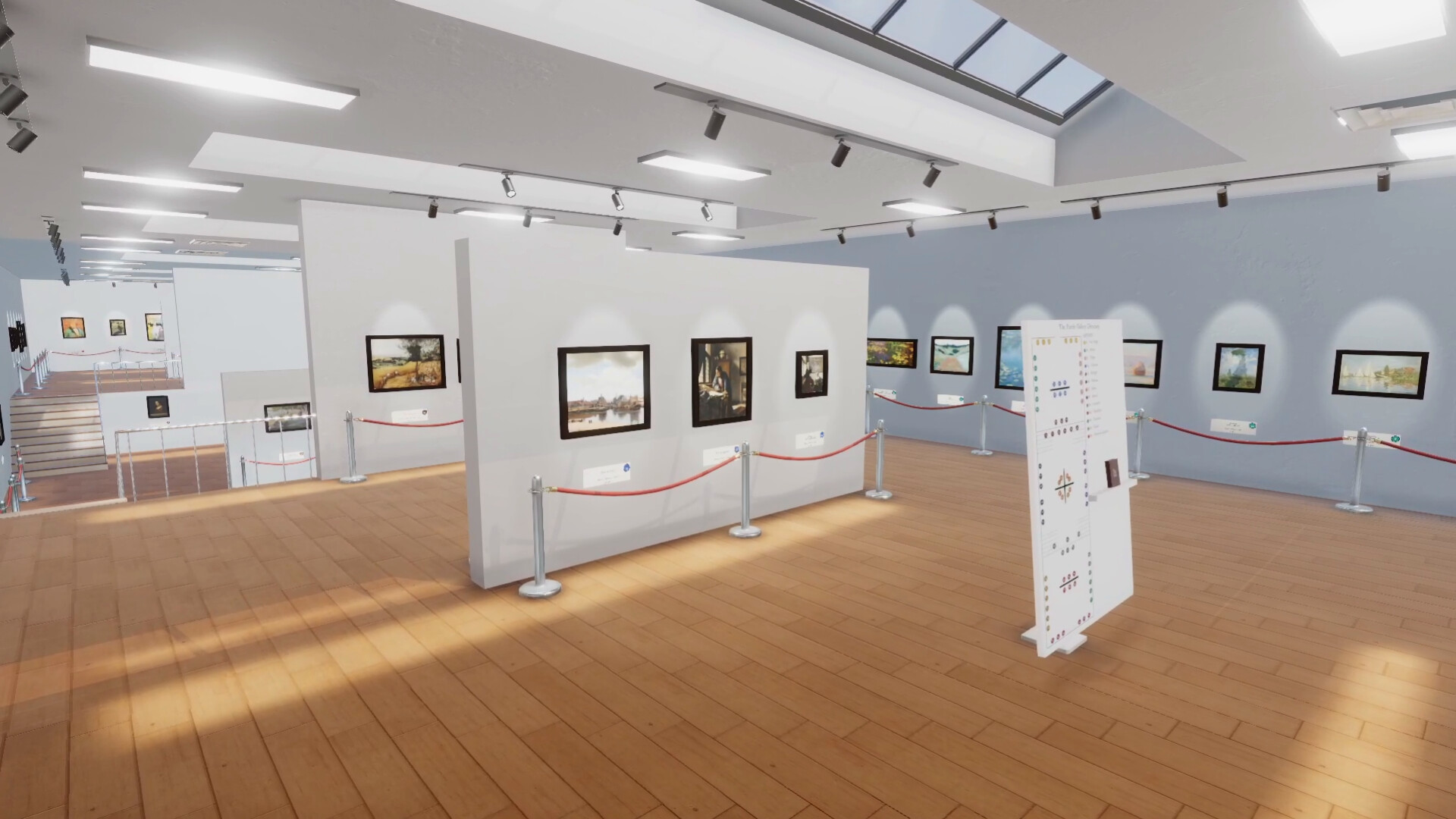
I didn't expect to feel like a museum conservator and speedrunner at the same time, but Cleaning Up The Puzzle Gallery manages both. The premise is delightfully simple: an earthquake scatters 2000+ puzzle pieces around a gallery of 87 paintings, and you — the janitor — must sort, rotate and lock each piece back where it belongs. On the surface it's a chill, classical‑music‑soaked simulator, but the skill upgrades and challenge modes quietly add strategy and replay hooks. If you liked organization games such as Librarian or Supermarket, this feels familiar yet distinct thanks to its art‑history twist and thoughtful quality‑of‑life options.

Picking Up the Pieces: How a Shift from Chill to Strategy Feels
Cleaning Up The Puzzle Gallery plays like a tidy puzzle sim with a twist: the core loop is simple — find pieces, sort them by artist/style, rotate and drop them into place — but the details matter. Movement is deliberate; you sweep through rooms of canvases, scooping up pieces that are sometimes mixed with other paintings' fragments. Controls are mouse‑and‑keyboard based and the game absolutely rewards sensible keybinding (many players swear by binding pick/drop to LMB/RMB). Early puzzles teach the sorting rhythm; later runs, especially with 500+ piece or custom 1024‑piece challenges, turn into careful runs where you plan route, skill use, and how to avoid backtracking.
What Makes It More Than a Jigsaw: Skills, Modes and Personal Galleries
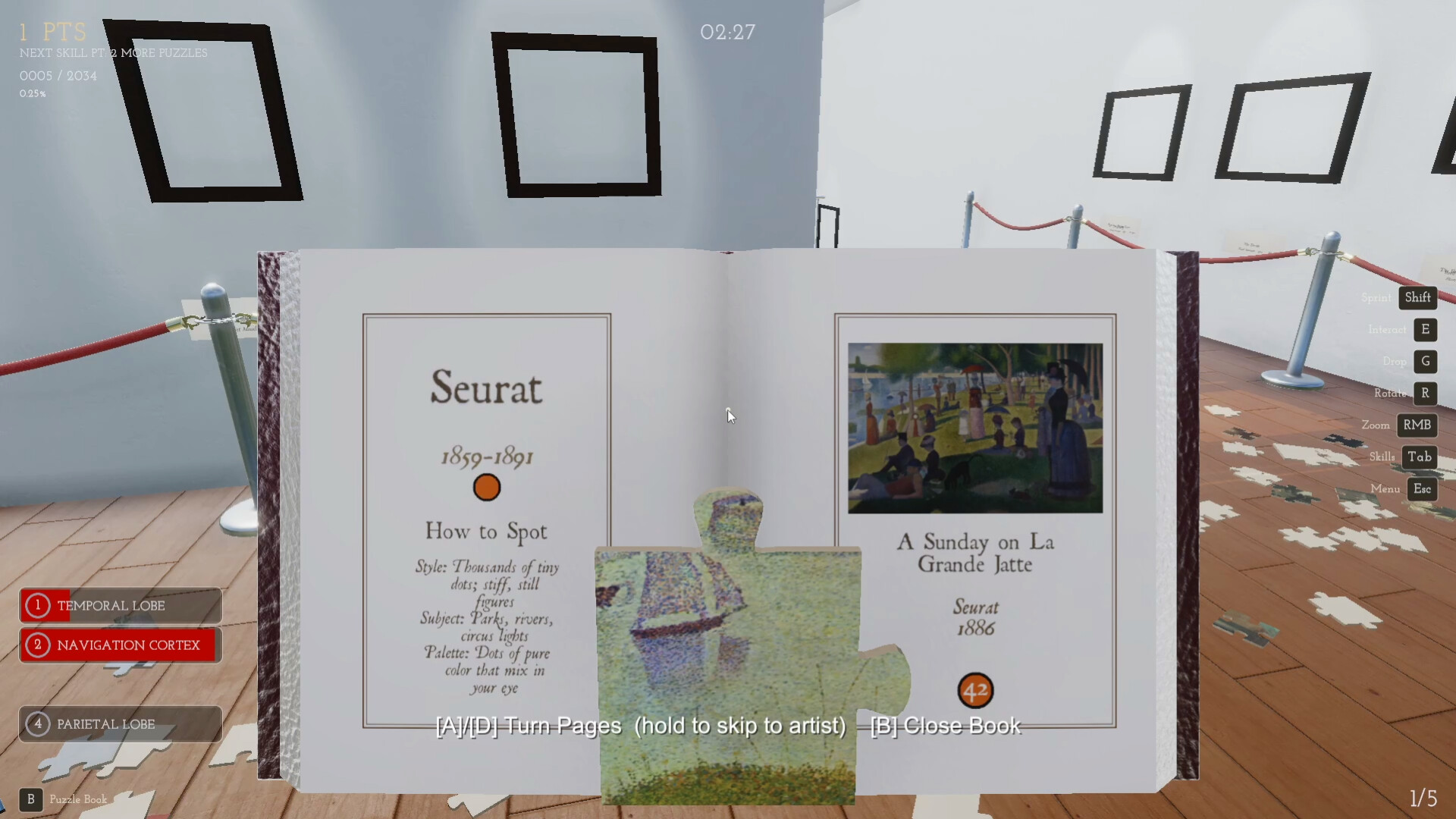
The upgrade system is the real hook: abilities target different “brain areas” (like spatial search or color recognition) and gradually speed up repetitive tasks. I remember my first run — the opening painting took ages, but after unlocking a couple of perceptual skills I shaved minutes off each subsequent canvas. Challenge modes (Black & White, The Big White 1024‑piece) flip the experience: some become glorified speedruns, others pure endurance tests. The custom gallery feature is fantastic — you can upload up to 83 images, scale them to your desired piece counts, and effectively create personal puzzle marathons or memes‑filled exhibitions. That adds near‑endless replayability, from chill one‑puzzle sessions to curated speedrun circuits.
Presentation, Sound and Practical Quirks
Visually the game leans on public domain masterpieces (Monet, Van Gogh, Hokusai) which keeps each room distinct and often helps you sort by brushwork or palette. The UI offers nice touches: ghost previews on hover, a little shimmer when a piece locks, and an art book that teaches you artistic styles — an edutainment cherry I didn’t expect to love. The soundtrack is classical and unobtrusive, perfect for long sessions. There are rough edges: some players report occasional teleporting movement or pieces that look locked but are off‑angle, and certain skill visuals (the occipital‑type highlight) can be hard to read at a distance. Still, most bugs are tolerable and the developer has been quick with small QoL patches and keybinding improvements.

Cleaning Up The Puzzle Gallery is a cozy, smart twist on the tidy‑up genre: accessible for casual players, but with enough upgrades and challenge modes to reward optimization. At its price point and with custom gallery options, it’s a strong pick for anyone who likes jigsaws, art, or methodical indie games. I recommend it for rainy afternoons, bite‑size puzzle breaks, or even longer speedrun sessions — just remember to rebind your keys and don’t panic when the first painting drags on.


Pros
- Addictive mix of chill and strategy — easy to relax or optimize
- Educational touch with public‑domain art and an art book
- Custom gallery uploads and varied challenge modes for replayability
- Polished satisfying feedback: ghost previews and lock‑in effects
Cons
- Some bugs reported (occasional teleporting, rotation/locking edge cases)
- Certain skill visuals (e.g. occipital highlight) can be hard to read
- Can feel too easy if you rely heavily on powers — challenge modes needed
Player Opinion
Players praise the calming atmosphere and the addictive loop of improving via skills. Many reviewers highlight the learning curve: the first painting can feel slow, but abilities like spatial search and perceptual boosts make later canvases much quicker. Several comments recommended rebinding pickup/drop to mouse buttons — a tiny change that drastically improves flow. The community also loves the educational angle; multiple players said the art book helped them recognise styles from Monet to Degas. Criticisms are consistent: occasional movement glitches, a few visual clarity problems with certain skills, and the rare final rotation issue that leaves one canvas at 99% completion are mentioned. If you enjoy tidy‑up sims and want both relaxing sessions and speedrun options, this community generally considers the game a win.