OFFBEAT Review — Playful Music Production Meets Indie Charm
A warm, witty indie that turns music production into a low-pressure game; export real WAVs while learning synths and sequencing. Great for beginners, slightly rough on save/QoL features.
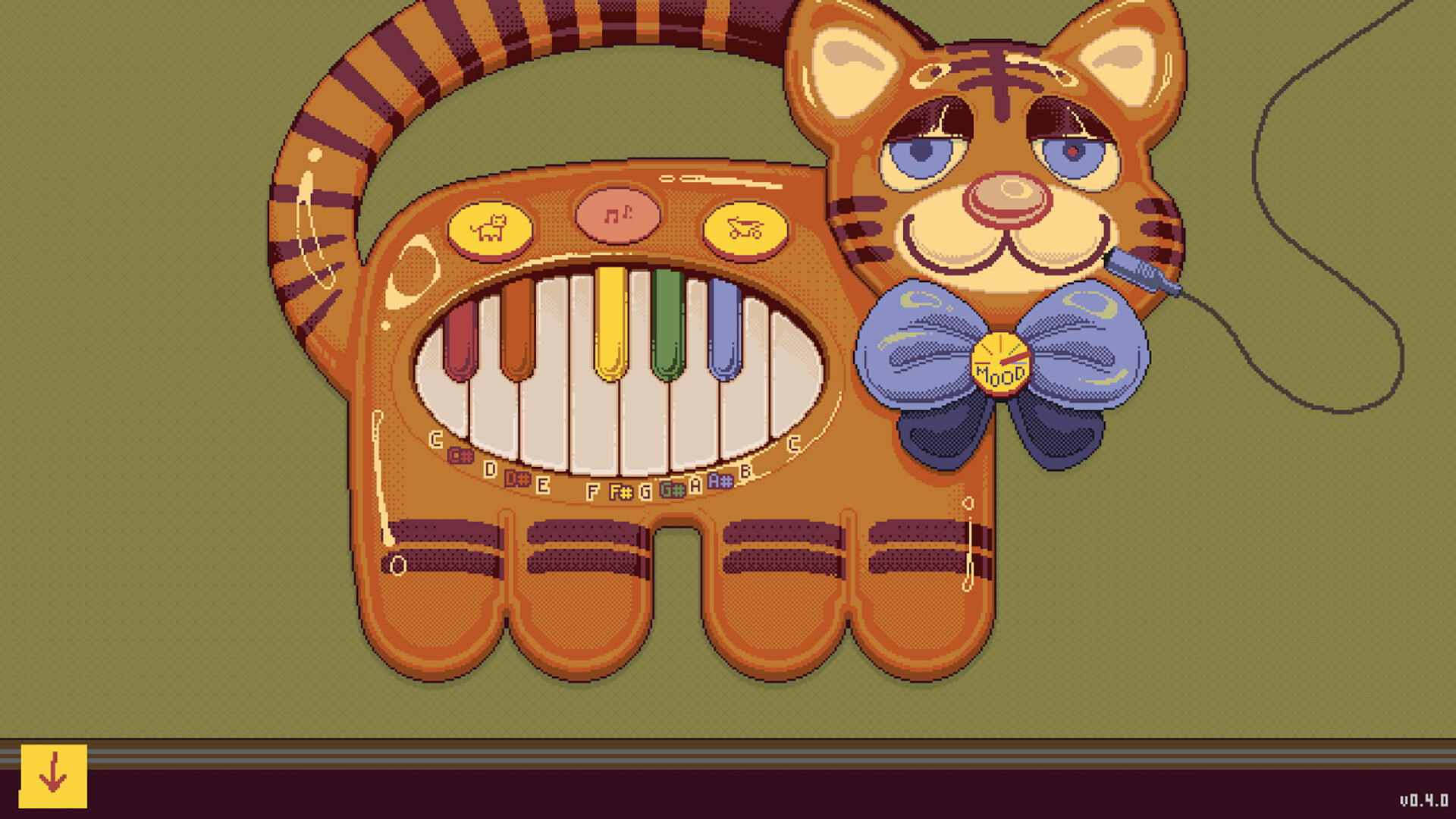
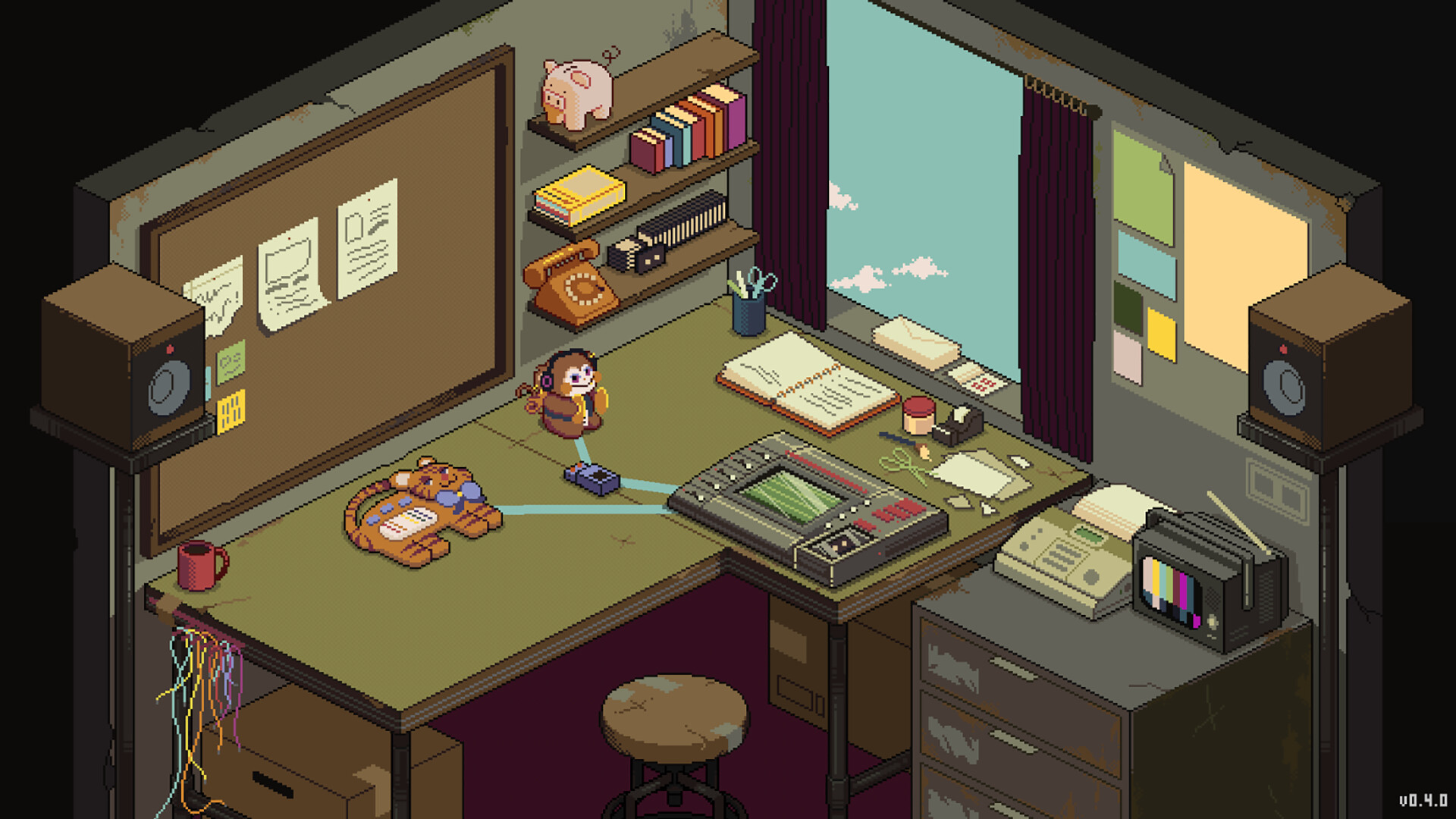
I didn’t expect to fall in love with a tiger-shaped keyboard, but OFFBEAT snagged me on the first wedding gig. Whetstone Games turned the scary world of DAWs and VST jargon into a friendly playground where you learn by doing, not reading manuals. It’s a game about commissions, weird clients and upgrading from toy gear to proper synths — except everything you make is real audio you can export as WAVs. If you’ve ever been intimidated by music production, OFFBEAT is designed to nudge you in gently and keep you smiling while it does so.

From Tiger Keys to Studio Glory
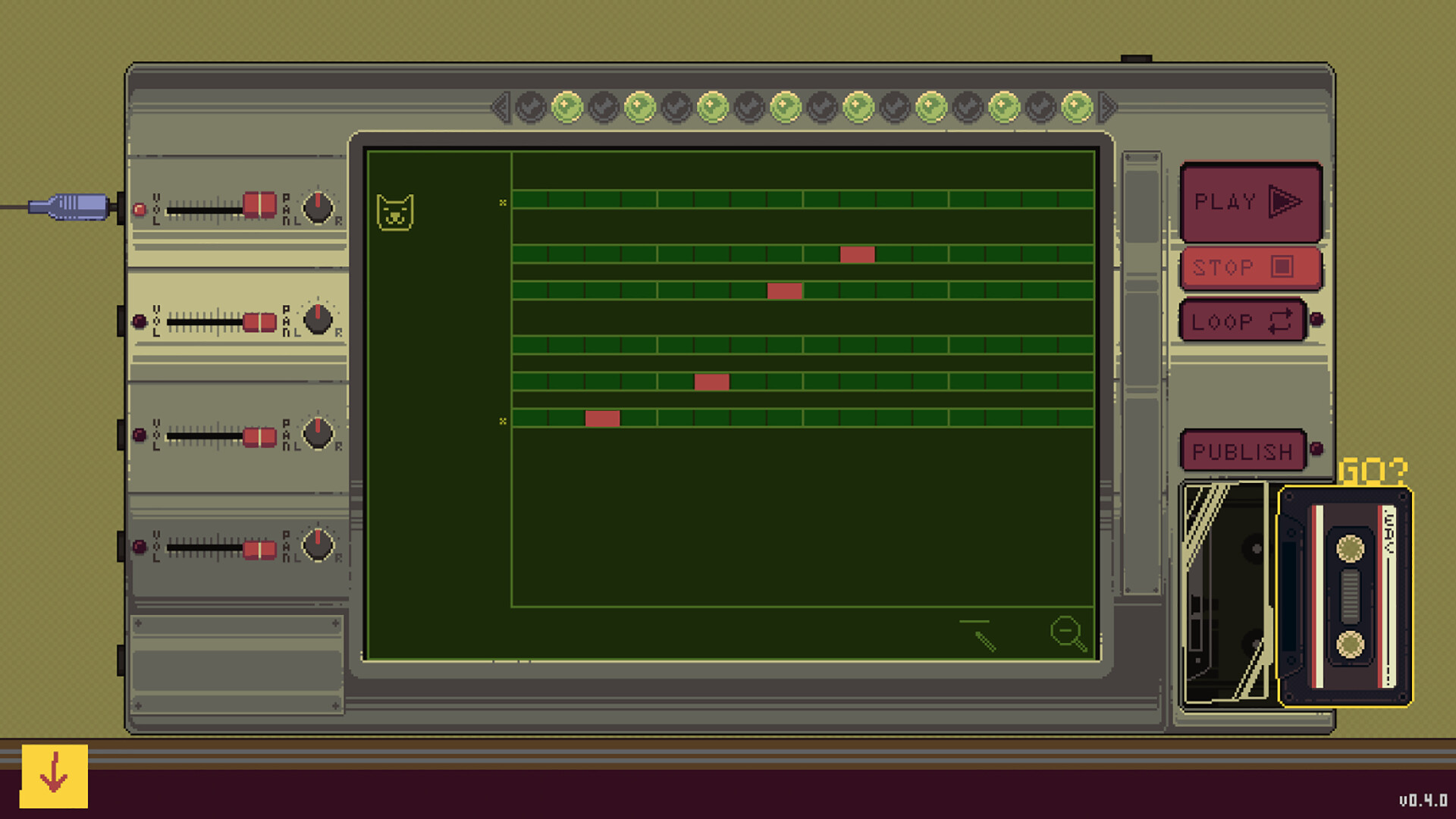
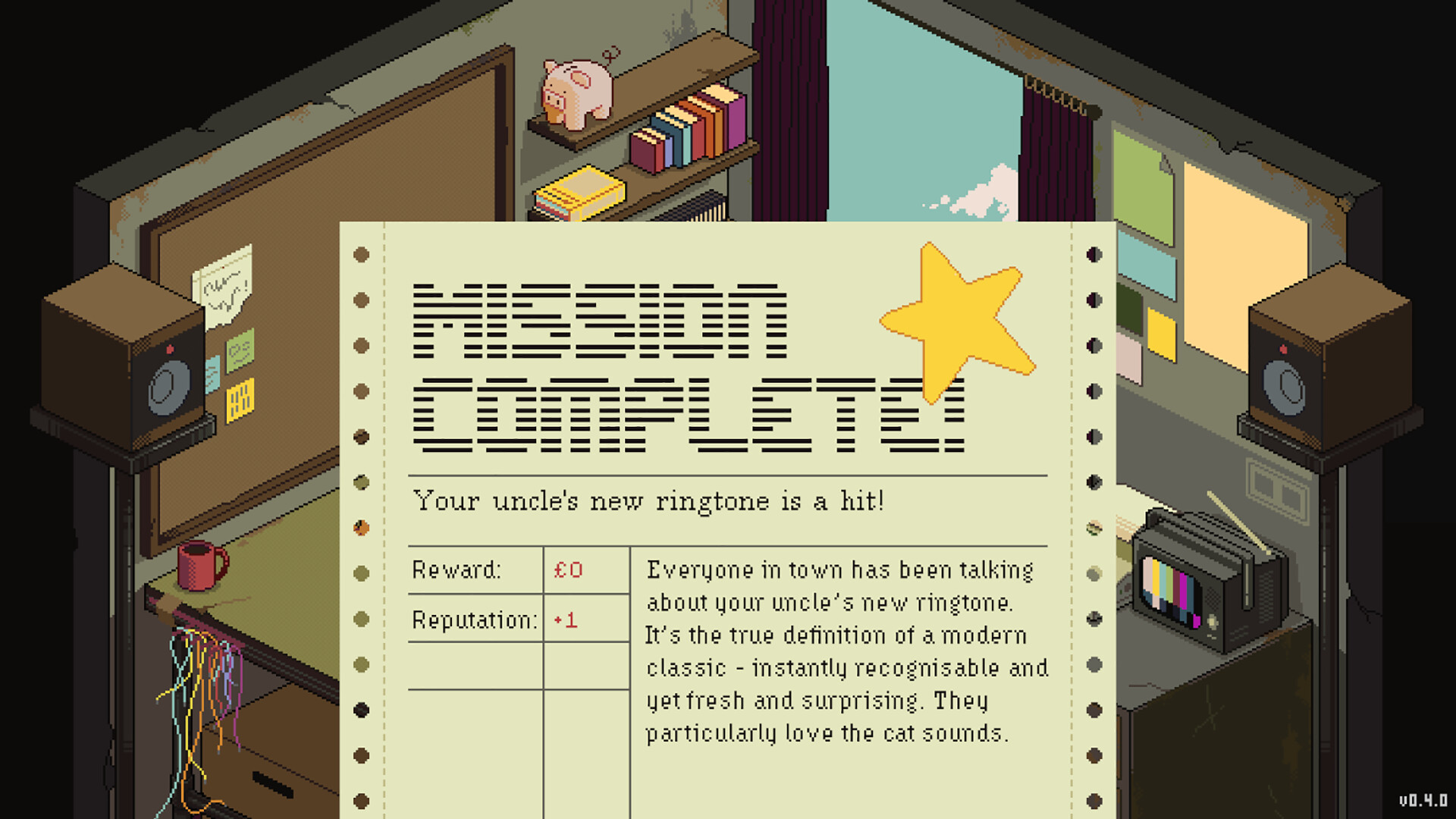
Gameplay in OFFBEAT is a slow-burn apprenticeship. You begin with a tiny tiger keyboard and a dodgy four-track, and most player actions are about choosing sounds, laying down patterns and nudging knobs until something clicks. Jobs arrive with short briefs — weddings, museum openings, kooky fantasy scores — and you balance client constraints with your own taste. The sequencer is deliberately approachable: you can limit scales (pentatonic, full, chromatic), change tempo and layer parts without drowning in menus. Progression feels like collecting tools: each new synth or found-object instrument unlocks fresh timbres and tricks to solve later commissions. In practice the loop is addictive: try an idea, export a WAV, tweak, and watch your confidence grow.
The Gear That Teaches
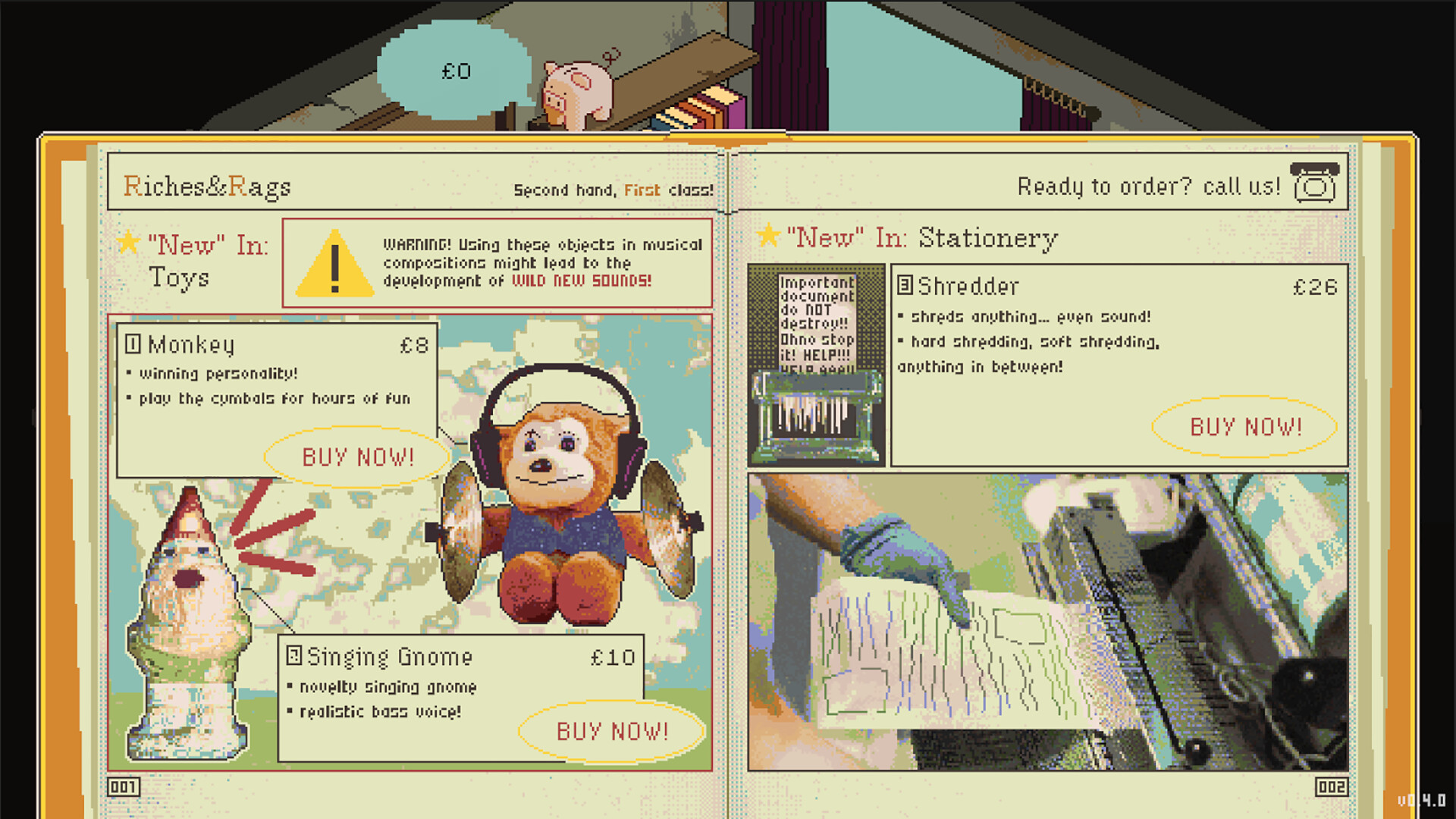
What makes OFFBEAT stand out is how the instruments themselves teach you. The Riches & Rags catalogue and Electric Lacey’s upgrade bench turn shopping into a mini-game of discovery; a singing garden gnome can be as musically useful as a boutique synth if you learn to mod it. Importantly, every instrument is a real, simulated sound source — nothing is a static loop; you build the track. The game intentionally avoids overwhelming jargon: instead of throwing DAW features at you, it paces new knobs and effects via job requirements. That educational design is why players report real-world learning: basic synthesis, sequencing and arrangement concepts come through while you’re having fun. Also, the WAV export is not a gimmick: your tracks live on your disk and are fully usable outside the game.
A Soundy Little World
OFFBEAT’s presentation is charm-first: colorful pixel-ish art, a cheeky UI and characterful NPCs who deliver absurd briefs. The sound design is joyful — tactile button clicks, lo-fi tape textures and genuinely pleasing synth patches — which makes tweaking knobs feel rewarding. Performance on my Windows rig was solid, though a few reviewers mentioned occasional clipping or sequencer hiccups when using certain audio setups. Accessibility choices are thoughtful: the simplified piano layouts, copy/paste measures and clear labels ease newcomers in. The game also has room to grow: folks ask for MIDI input, better multi-save management and finer export options, which would make an already generous tool even more flexible.

OFFBEAT is a rare indie that doubles as a real creative tool: warm, funny and genuinely educational without being preachy. It’s perfect for curious beginners or tinkering producers who want to experiment without buying a DAW. Wait for a patch if you fear save bugs or need MIDI workflow today, but otherwise this is a strongly recommended, oddly therapeutic buy.


Pros
- Teaches basic production in a playful, non-intimidating way
- Export real WAVs you own and can reuse anywhere
- Charming art, great sound design and approachable sequencer
- Progression through gear feels rewarding and creative
Cons
- Save/QoL features need polish (multi-save, occasional lost saves)
- No MIDI in/out yet and a few audio hiccups reported
- Some users want deeper pro features beyond the casual design
Player Opinion
Players consistently praise OFFBEAT for making production approachable: reviews highlight how the game strips away DAW intimidation and teaches synthesis, sequencing and arrangement through short, playful jobs. Many users love that every track can be exported as a WAV and kept legally — several mention using pieces in videos or sharing on Discord. The community vibe in reviews is enthusiastic; people brag about bad jokes, terrible songs that friends hate and surprising moments of pride when a track clicks. Criticisms are practical: multiple players requested the ability to save and revisit several cassette projects, and a few reported lost saves or erratic save/quit behavior. Others ask for MIDI input/output, better volume controls and some extra polish for audio glitches. If you want a low-pressure entry to electronic music that rewards experimentation, most user voices say this is exactly it.