Desktop Explorer Review — A Creepy, Clever Fake-OS Detective
Explore a 90s-style desktop, solve inventive file-based puzzles and unravel a touching, eerie mystery. A love letter to curious kids and retro PC culture with a few rough edges.
I booted up my virtual nostalgia trip with low expectations and came away more attached to a fictional uncle than I'd like to admit. Desktop Explorer drops you into a lovingly crafted 90s operating system where every folder, chat log and corrupted app can hide clues to a missing person. It’s part detective sim, part ambient horror and fully committed to its retro-computer aesthetic — think Hypnospace Outlaw’s cozy weirdness mixed with more focused mystery beats. What made me stick around was the way mundane OS actions became storytelling tools; renaming a file or toggling 'show hidden files' feels meaningful, not gimmicky.

Sleuthing Through Windows and Weirdness
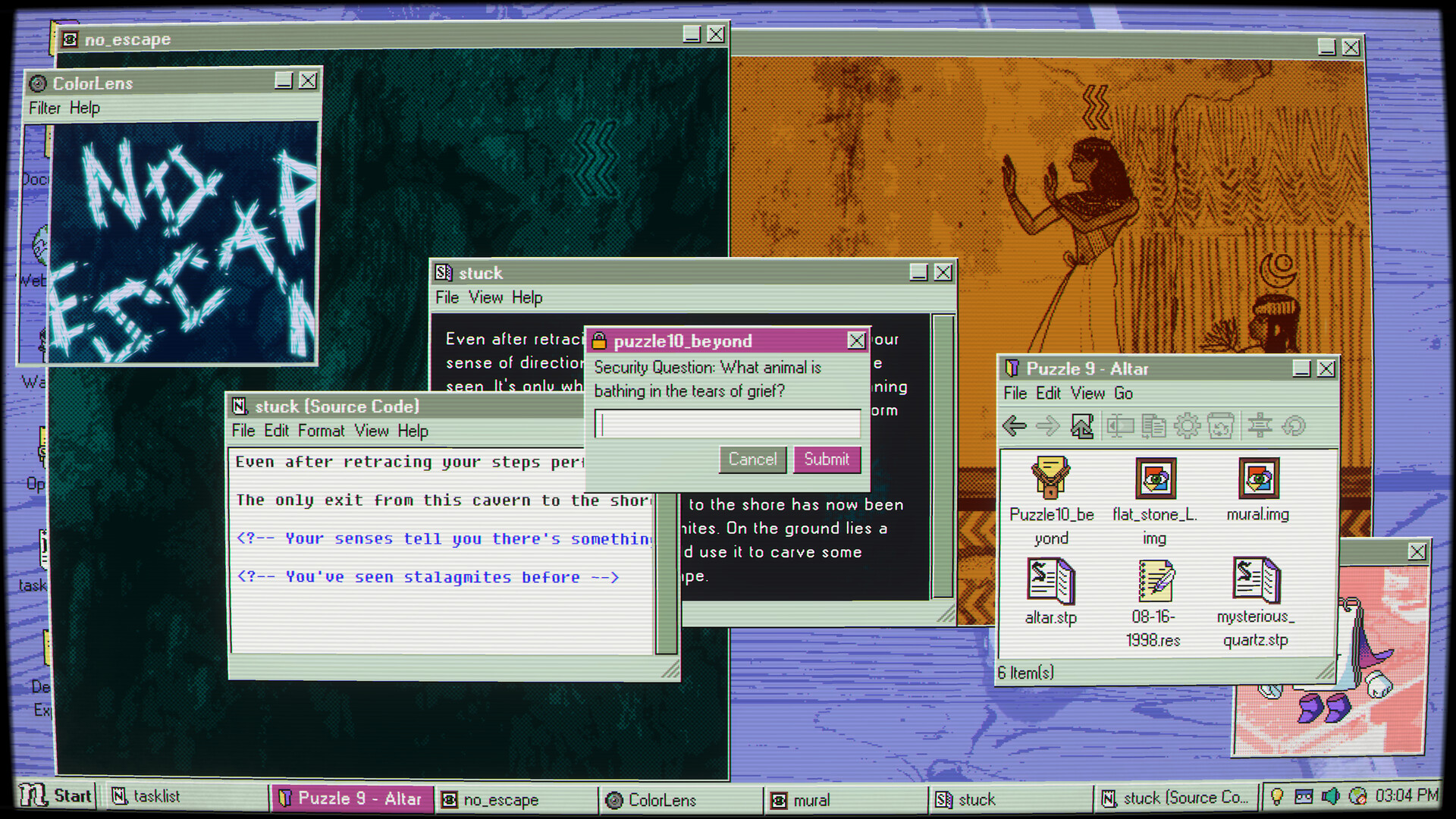
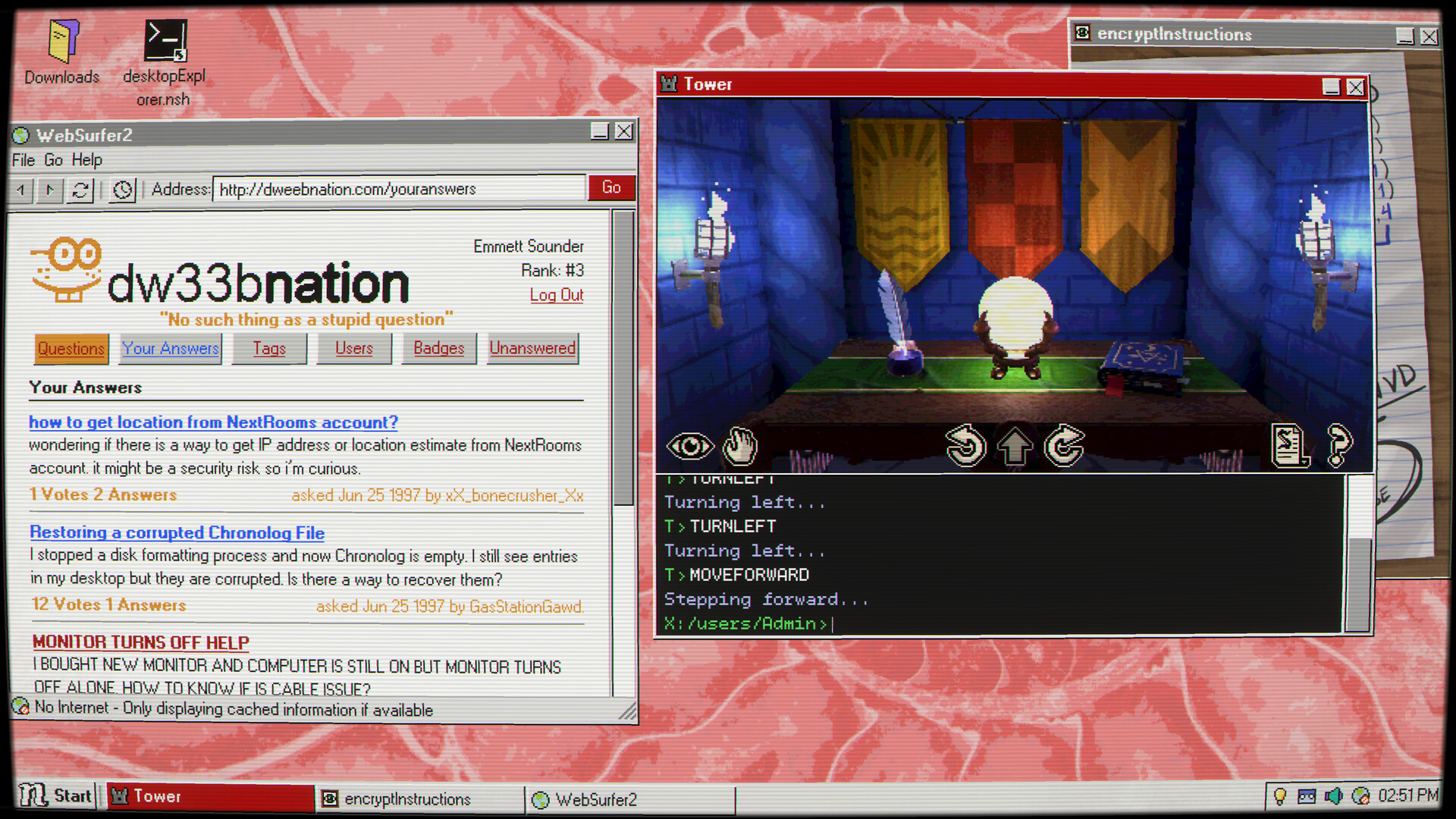
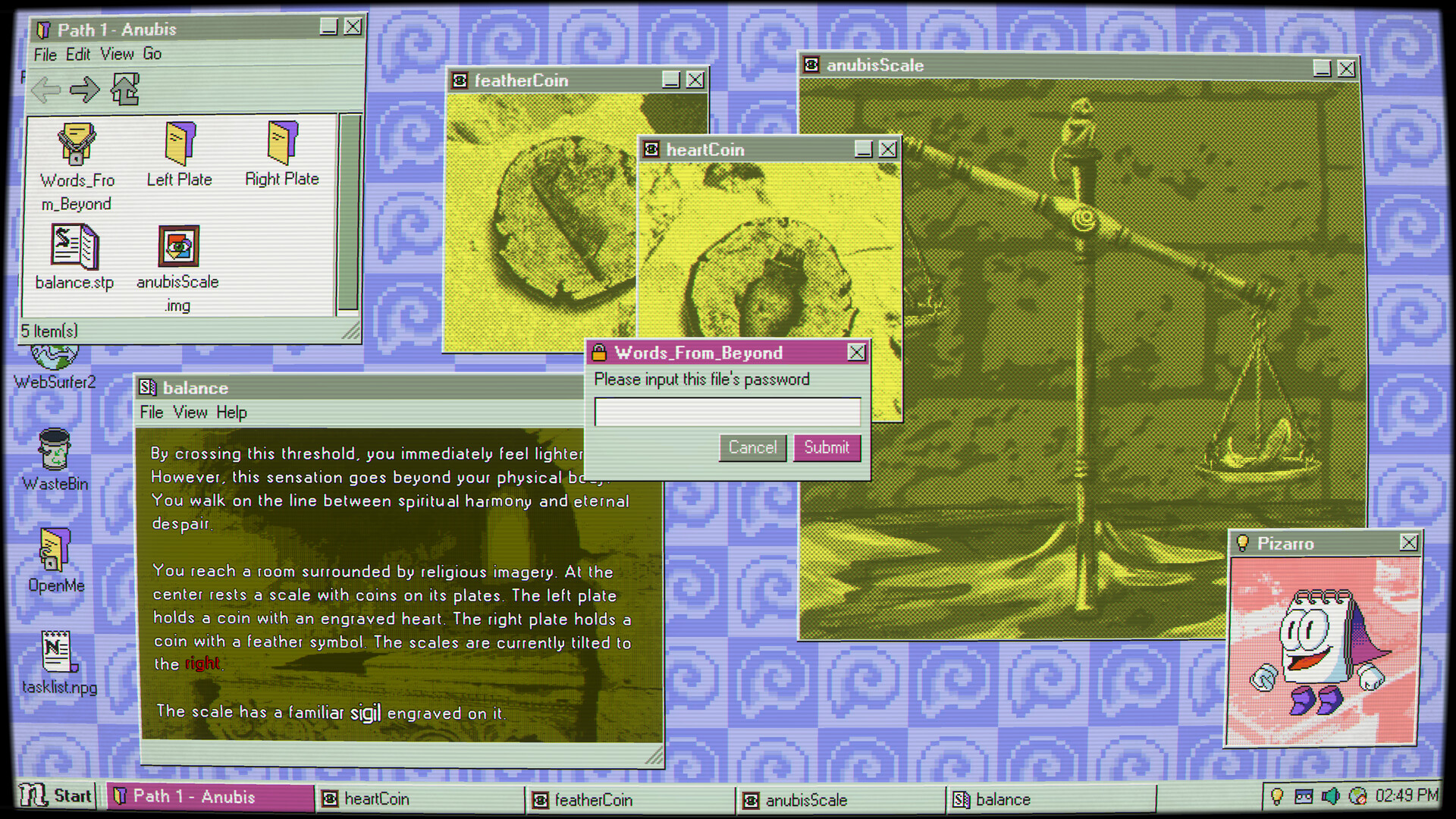
Gameplay revolves around treating the desktop like a layered crime scene. You click through file explorers, open old chat logs, boot corrupted apps, and sometimes step into rendered 3D environments that sit just outside the GUI. Most puzzles ask you to manipulate realistic OS elements — rename files, change extensions, use built-in 'utilities', or piece together clues from system logs — so the learning curve is as much about observation as about brute force. There’s a satisfying tactile rhythm to searching folders, trying old games, and re-opening things you thought were dead. I spent more than one evening saying aloud "what happens if I do this?" and being rewarded with a small, gorgeous 'a-ha'.
When the Desktop Becomes a Storyteller
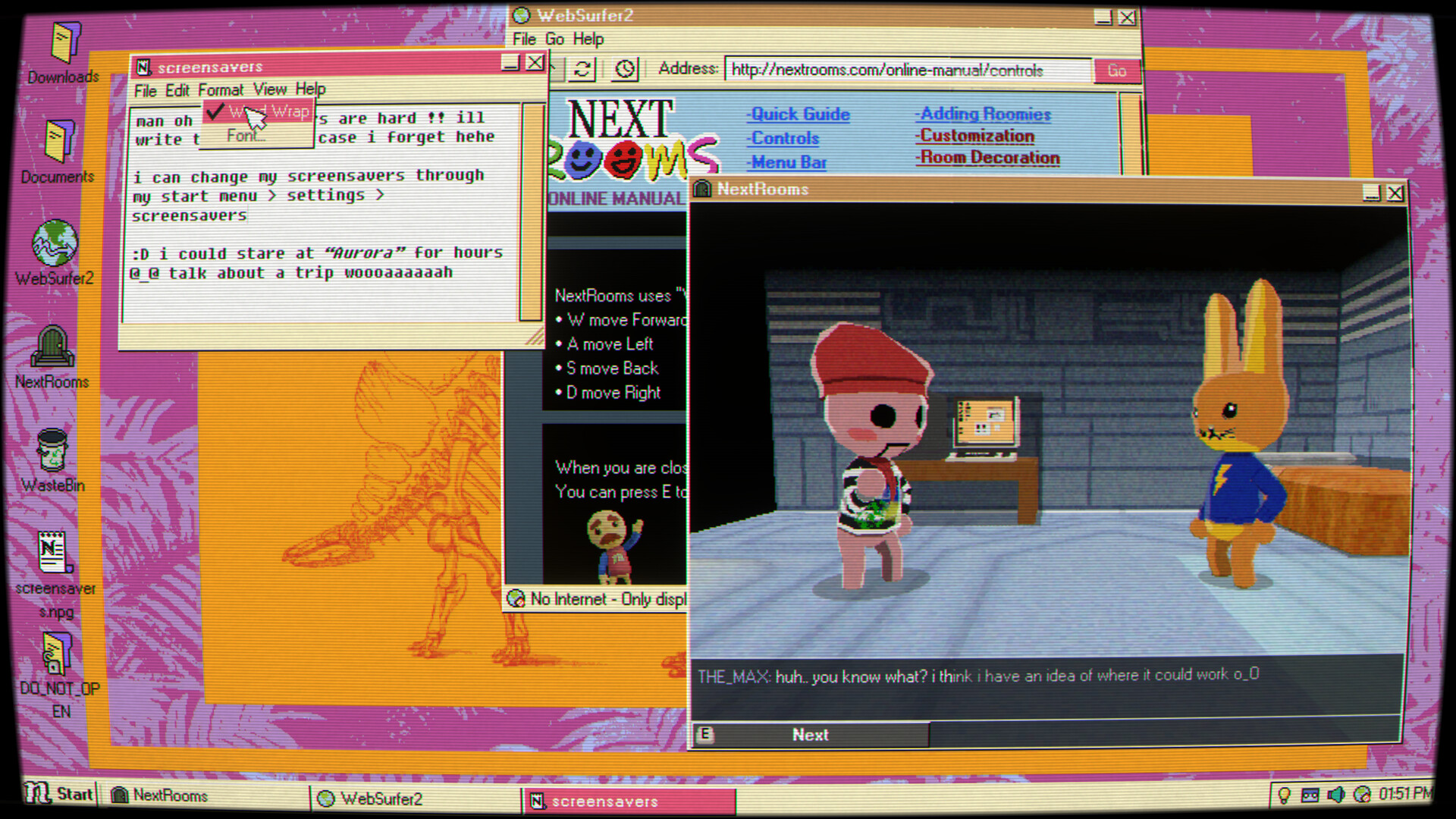
What lifts Desktop Explorer above a vanilla puzzle collection is how every mechanic ties to narrative beats. The game threads memory and psychological tension through interfaces: corrupted apps leak fragments, pre-installed mini-games hide thematic callbacks, and faux system messages shift tone from playful to creepy over time. The puzzles evolve too — early segments teach OS logic with forgiving hints, while later sequences demand lateral thinking (and sometimes community help). There are clever meta touches, like toggling word wrap or revealing hidden files as actual plot devices, and small Easter eggs that made me laugh and smile in equal measure. It’s clear the devs made an entire fake OS to host puzzles, and that obsession shows in delightful ways.
A Look, a Sound, and How It Runs
Presentation is a love letter to old computers: chunky pixels, CRT-like glows, and UI bleeps that nail the era without feeling parody. The soundtrack is evocative — subtle synths and nostalgic bleeps that swell just enough to make a folder feel heavy. Performance on modern machines is solid (I played on Windows), with only occasional frame hiccups when loading 3D scenes. Accessibility is decent but not perfect: some QoL features like faster walk speed, an optional hint system, or keyboard shortcuts (CTRL+Z for undo, please) would smooth frustration spikes. Also note the photosensitivity warning — some screen effects can be intense for sensitive players.

Desktop Explorer is a sincere, finely crafted indie that turns the ordinary desktop into a strange, personal mystery. It’s best for players who love lateral puzzles, retro aesthetics and stories that slowly untangle emotional threads. Buy it if you’re into OS sims, detective vibes, or atmospheric puzzles — just be ready to pause and ask for a hint once in a while.


Pros
- Genuinely inventive puzzles that use OS mechanics as storytelling
- Outstanding retro presentation and evocative soundtrack
- Deep, emotionally resonant mystery that rewards attention
- Great for co-op streaming or puzzle‑solving parties
Cons
- Occasional QoL omissions (walk speed, undo, optional hints)
- Some puzzles can be opaque and require external help
- Contains flashing effects — photosensitivity warning applies
Player Opinion
Players consistently praise Desktop Explorer’s atmosphere, soundtrack, and clever use of a fake operating system as a puzzle playground. Many reviews call it a 'love letter' to tinkering kids and retro net culture; people enjoy the nostalgic baiting of Clippy jokes and pre‑installed mini games. Common praise highlights the emotional moments — several players said the story hit them harder than expected. Criticisms cluster around two points: a handful of puzzles feel too opaque or require community hints, and some QoL features are missing (faster movement and more in‑game hinting are frequently requested). If you liked Hypnospace Outlaw but wanted more focused mystery and less endless browsing, reviewers say you’ll love this. Also, it’s frequently recommended as a great title to stream with friends since collaborative problem solving amplifies the fun.